All AI photo editing tools
Pick a fix. Your photo stays loaded when you switch, so you can chain edits — remove a photobomber, then colorize, then upscale.
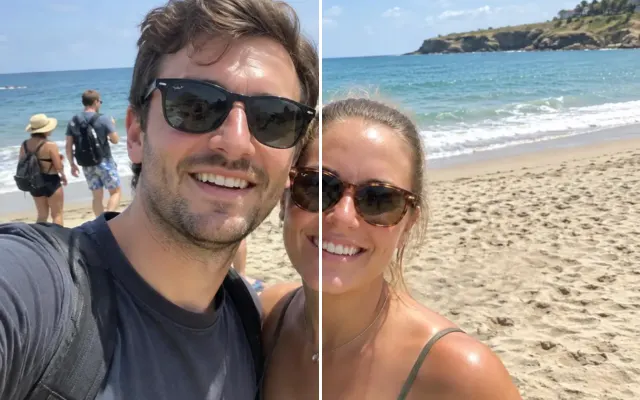 BeforeAfterRemove peopleErase photobombers, crowds or an ex.
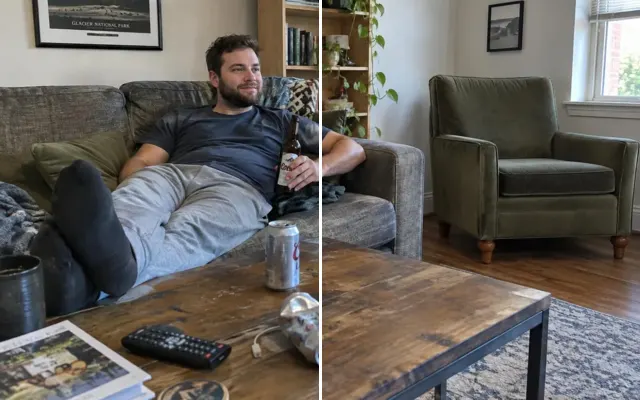 BeforeAfterRemove objectsErase wires, trash, drinks, signs and clutter.
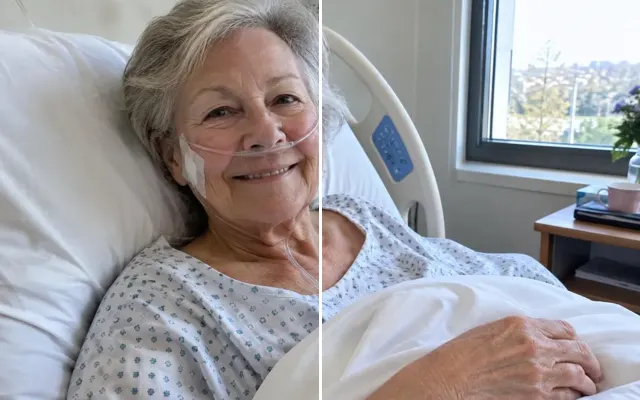 BeforeAfterRemove tubes & wiresGently remove NICU and hospital equipment.
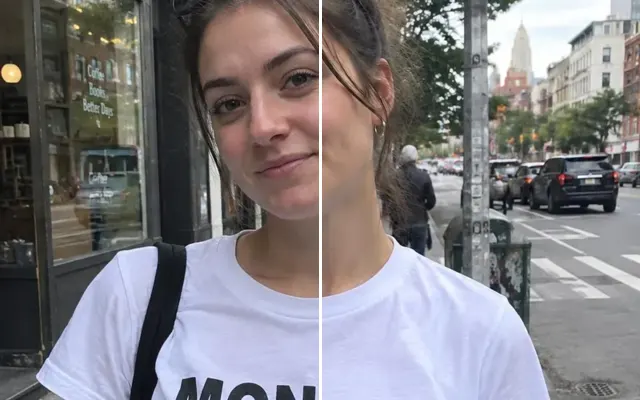 BeforeAfterRemove textErase words, dates, graffiti and stickers.
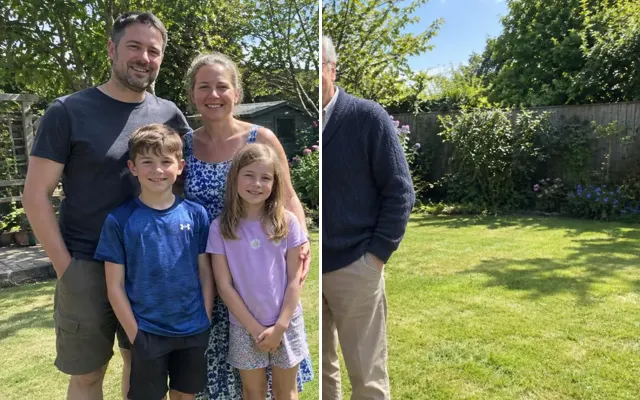 BeforeAfterAdd a personAdd someone who's missing — or who's no longer with us.
 BeforeAfterCombine best shotsOne perfect group photo from several takes.
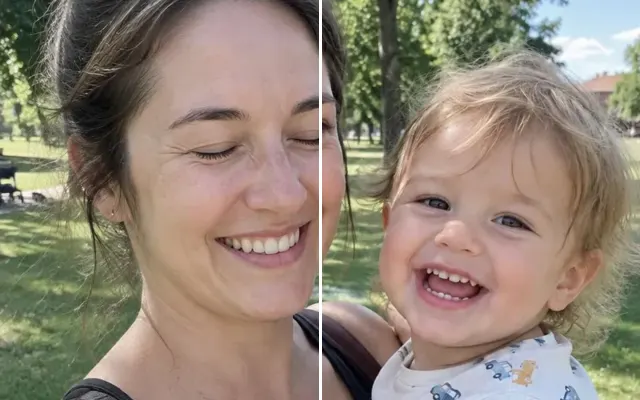 BeforeAfterFix closed eyesOpen blinking eyes so they look natural.
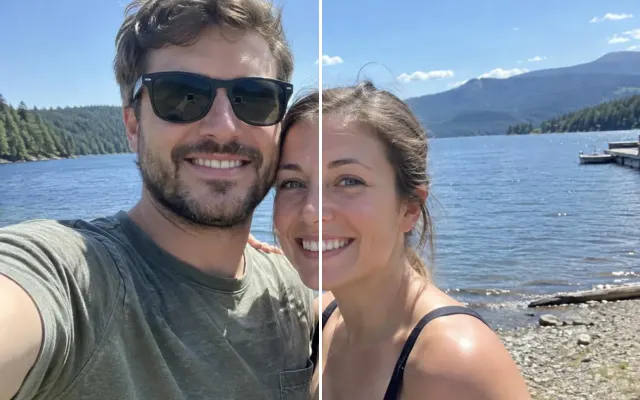 BeforeAfterSwap face or expressionUse a better face, smile or expression from another shot.
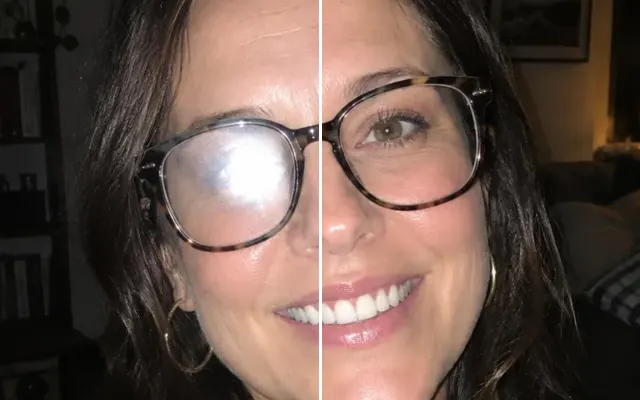 BeforeAfterFace retouchBlemishes, teeth, glasses glare — subtle and natural.
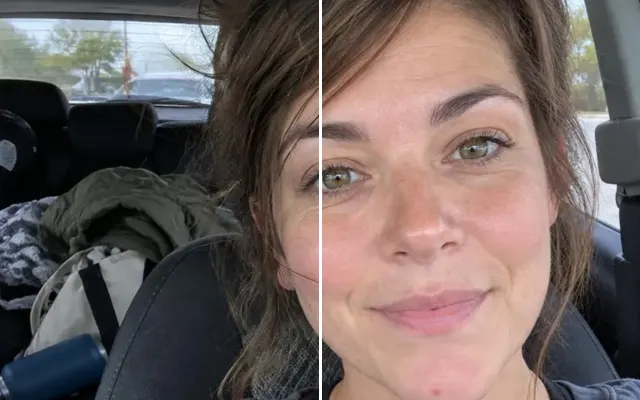 BeforeAfterFix hairTame flyaways, windblown hair and strands across the face.
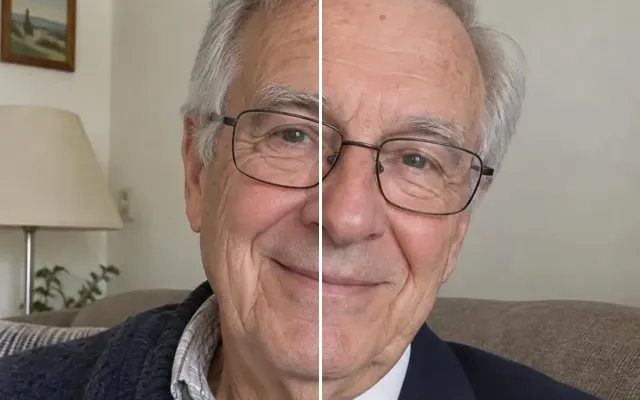 BeforeAfterChange clothingChange an outfit, fix a stain or cover up.
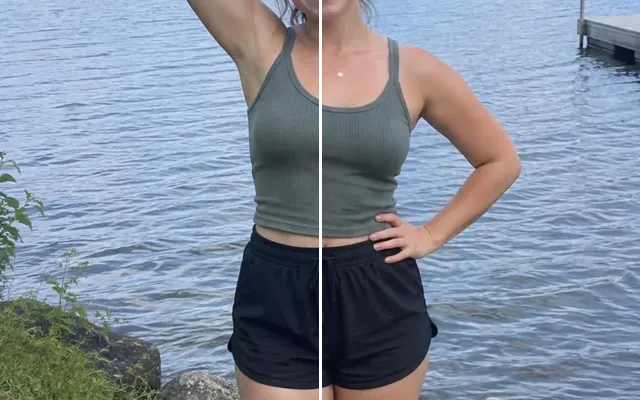 BeforeAfterPose & postureStraighten posture, fix an arm, smooth wrinkled clothes.
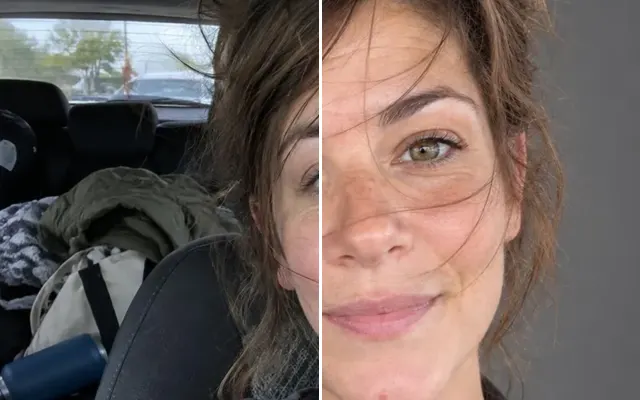 BeforeAfterProfessional headshotTurn a selfie into a LinkedIn-ready headshot.
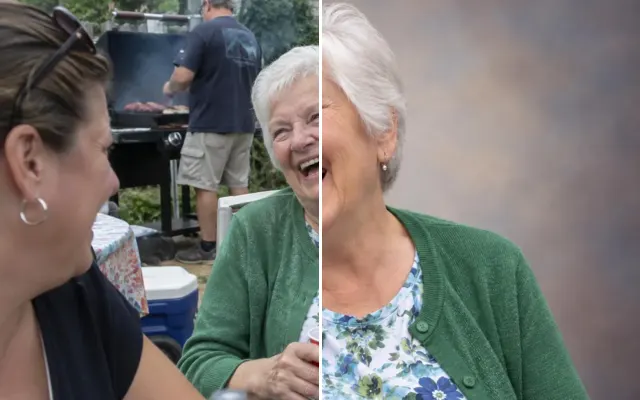 BeforeAfterMemorial portraitA dignified photo for a funeral, obituary or urn.
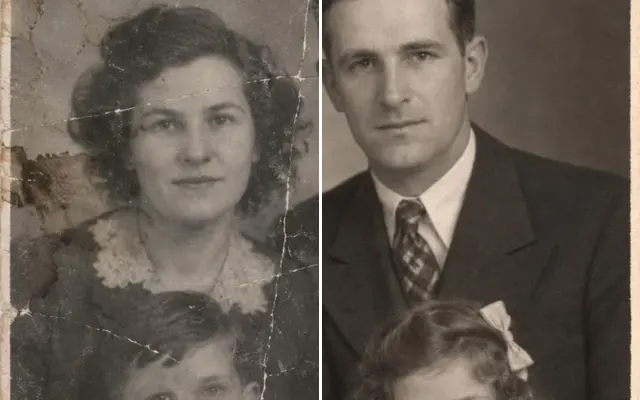 BeforeAfterRestore old photoRepair scratches, creases, tears and stains.
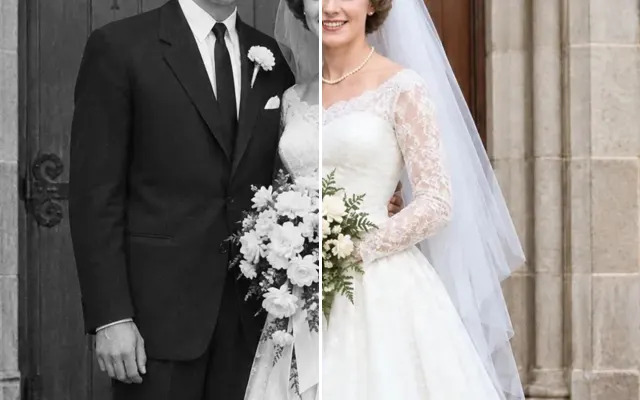 BeforeAfterColorize photoBlack-and-white to natural colour.
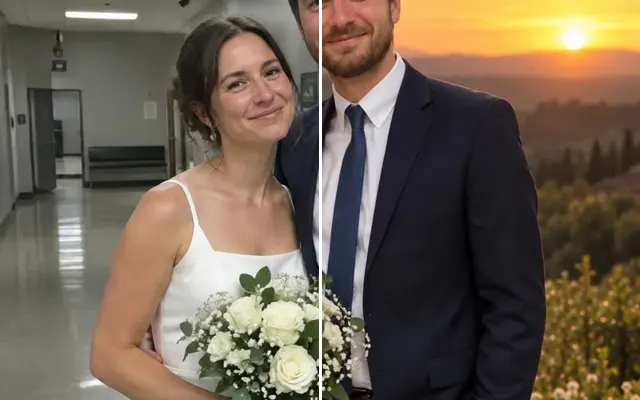 BeforeAfterChange backgroundReplace a messy or boring background.
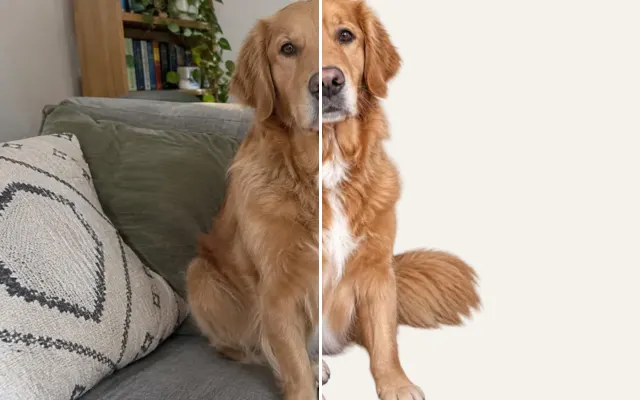 BeforeAfterRemove backgroundTransparent PNG cutout in one click.
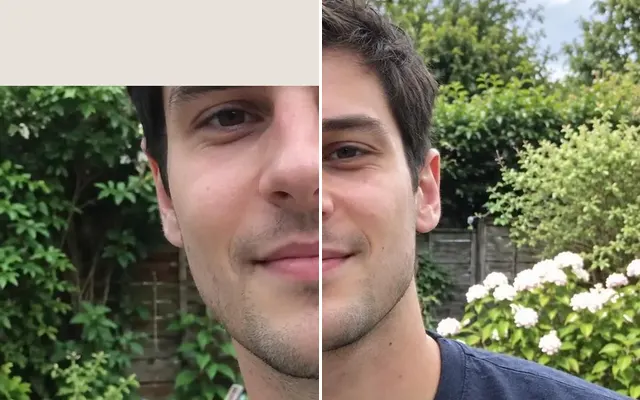 BeforeAfterExtend photoUncrop: add the cut-off head, feet or sides.
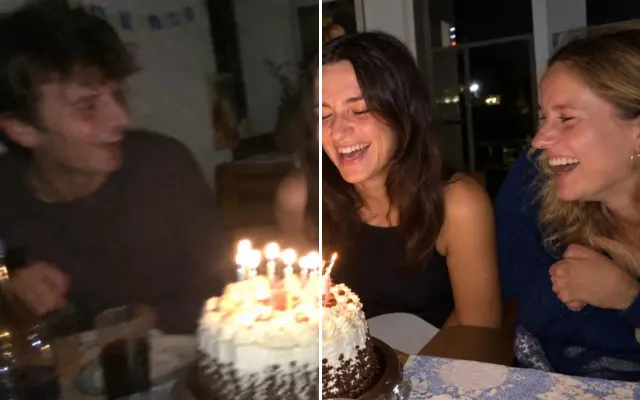 BeforeAfterUnblur & enhanceSharpen blurry, grainy photos and screenshots.
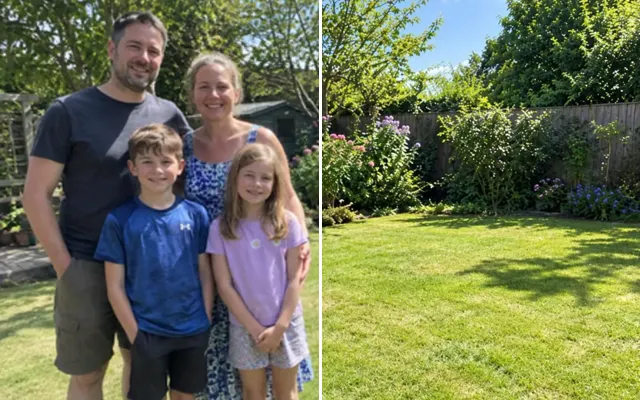 BeforeAfterUpscale2×–4× resolution for print.
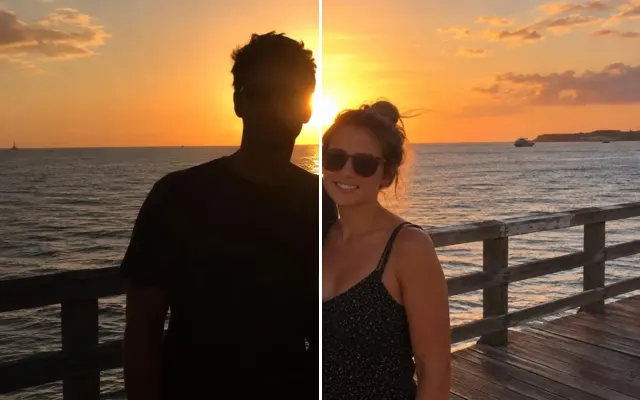 BeforeAfterFix lightingBrighten dark shots, fix backlight, remove glare.
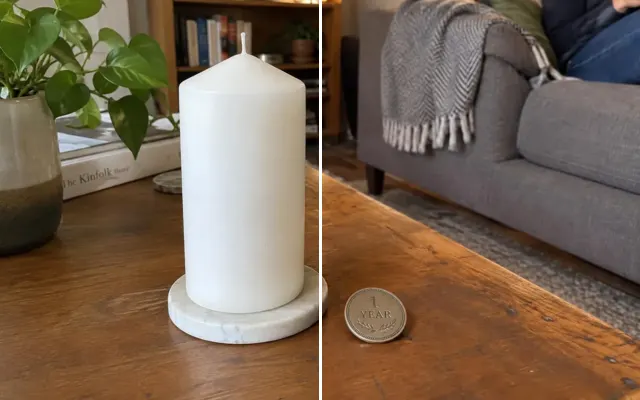 BeforeAfterAdd an objectInsert something realistic — a balloon, a flame, a sign.
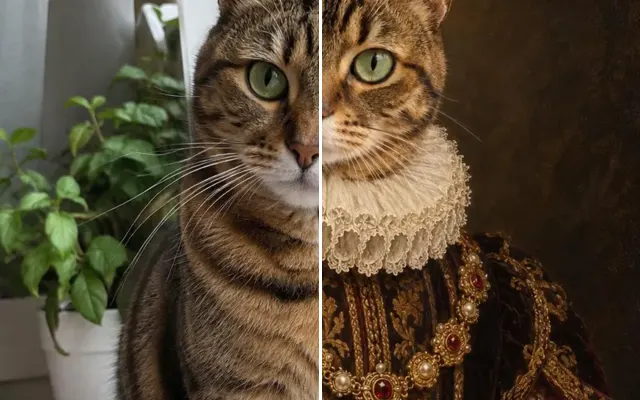 BeforeAfterPet portraitRoyal, painted or memorial portraits of your pet.
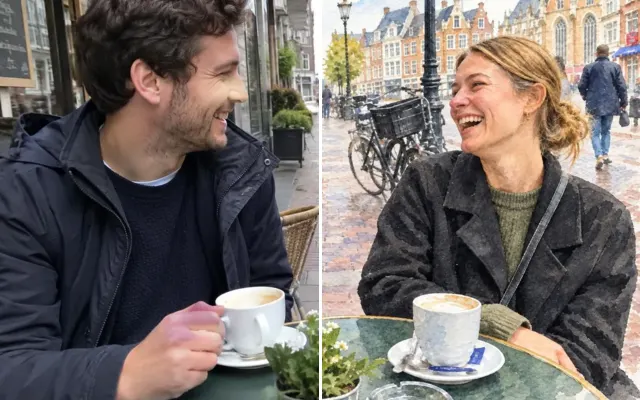 BeforeAfterArt styleOil painting, watercolour, sketch, cartoon…
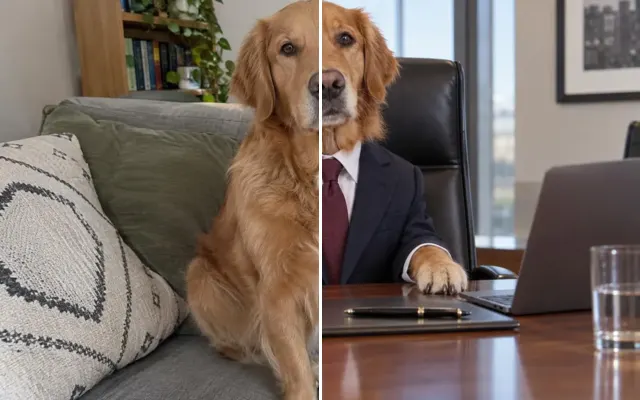 BeforeAfterFun editPut your friend on a dragon. Make the cat a CEO.
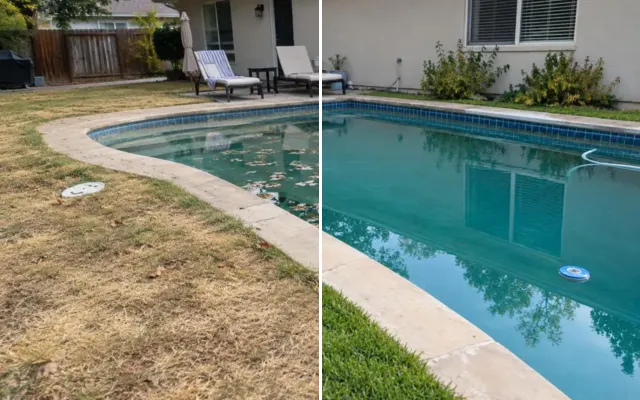 BeforeAfterCustom editDescribe any edit in your own words.