Turn a selfie into a professional headshot
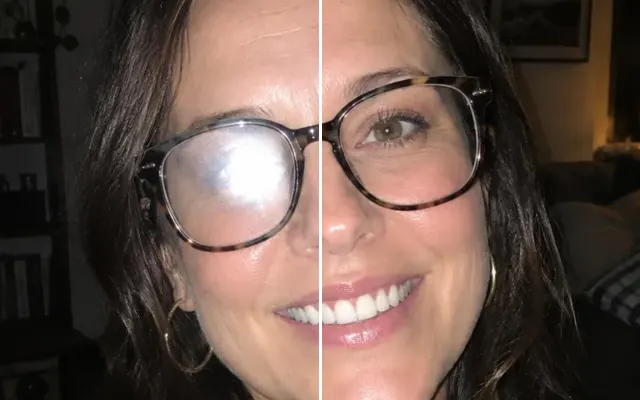
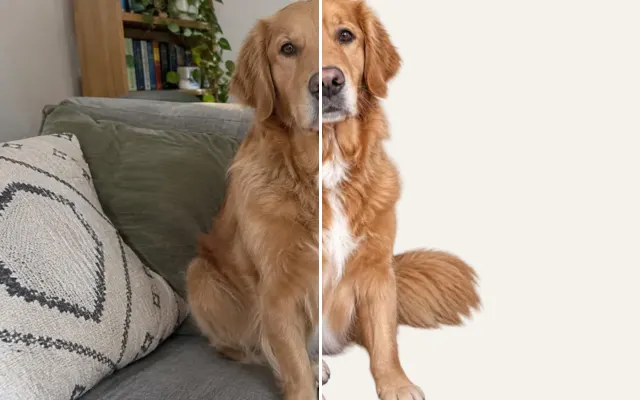
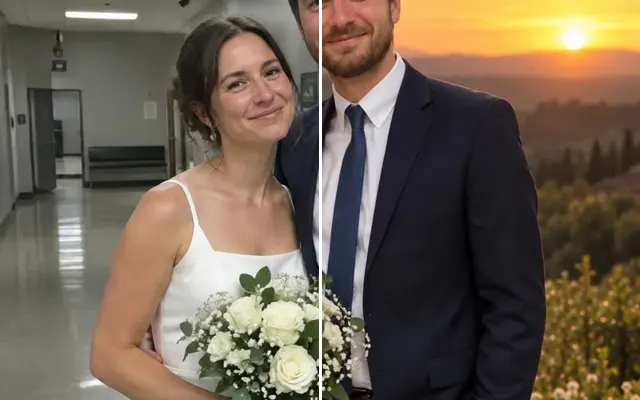
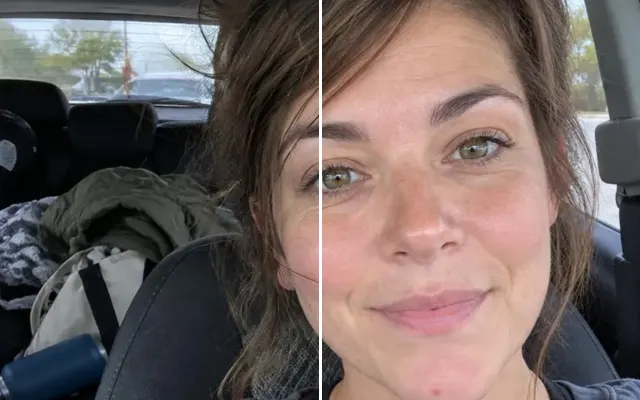
Get a polished LinkedIn or company headshot from a casual photo: clean background, flattering light and business attire — still recognisably you.
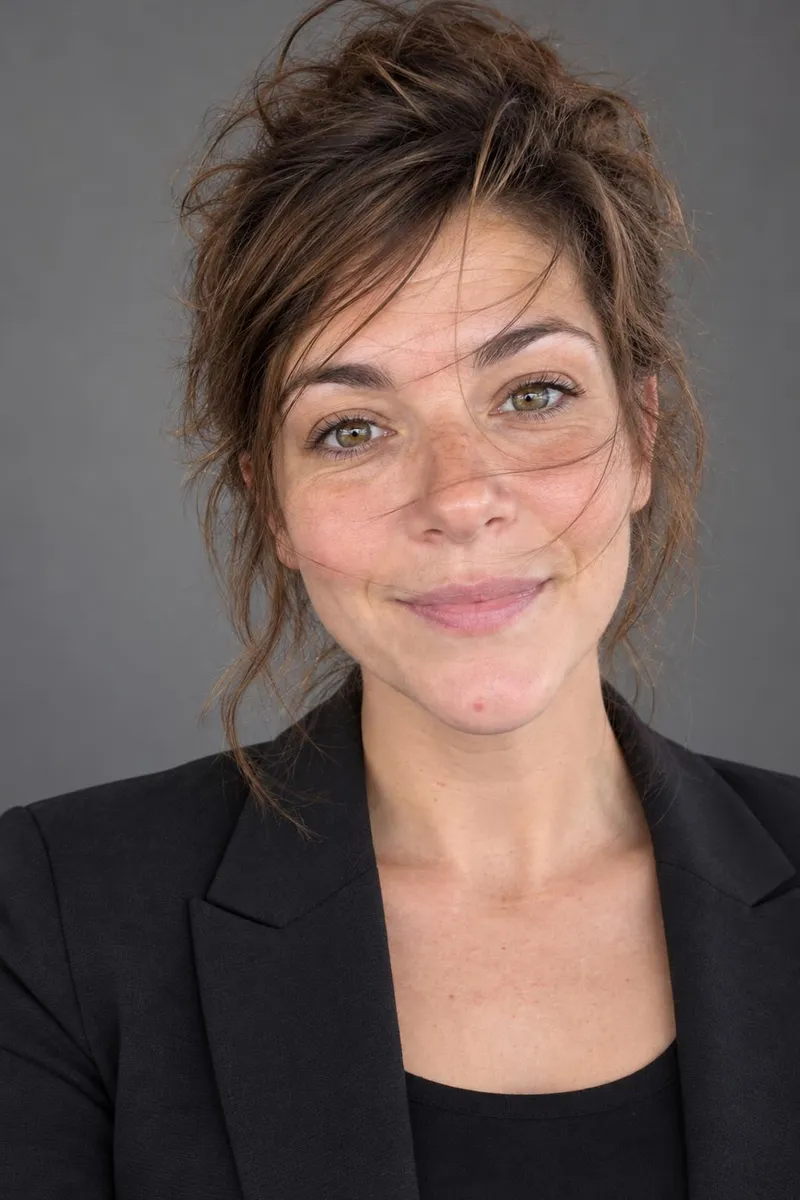
 BeforeAfter
Your photo stays in this browser tab while you switch between tools.
How it works
- 1
Upload your photo
Drop in a JPG, PNG or WebP, or paste a screenshot. Nothing to install.
- 2
Pick a style
Choose a background and clothing style.
- 3
Compare and download
Drag the slider to compare with the original, then download. Not perfect? Run it again or undo.
Great for
- LinkedIn and CVs
- Company ‘about us’ pages
- Speaker bios
Tips for the best result
- Start from a photo facing the camera in even light.
- A second photo of you helps keep your likeness.
Questions
How do I make a professional headshot from a selfie?
Upload a selfie facing the camera in even light, pick a background and clothing style, and press Professional headshot. A second photo of you helps keep your likeness.
Will it still look like me?
The tool keeps your facial features and only changes light, background and clothing. If it drifts, add a second photo of you.