Fix closed eyes in photos
Someone blinked in the one good shot? Open their eyes naturally. Add another photo of the same person and we'll use their real eyes for a perfect match.
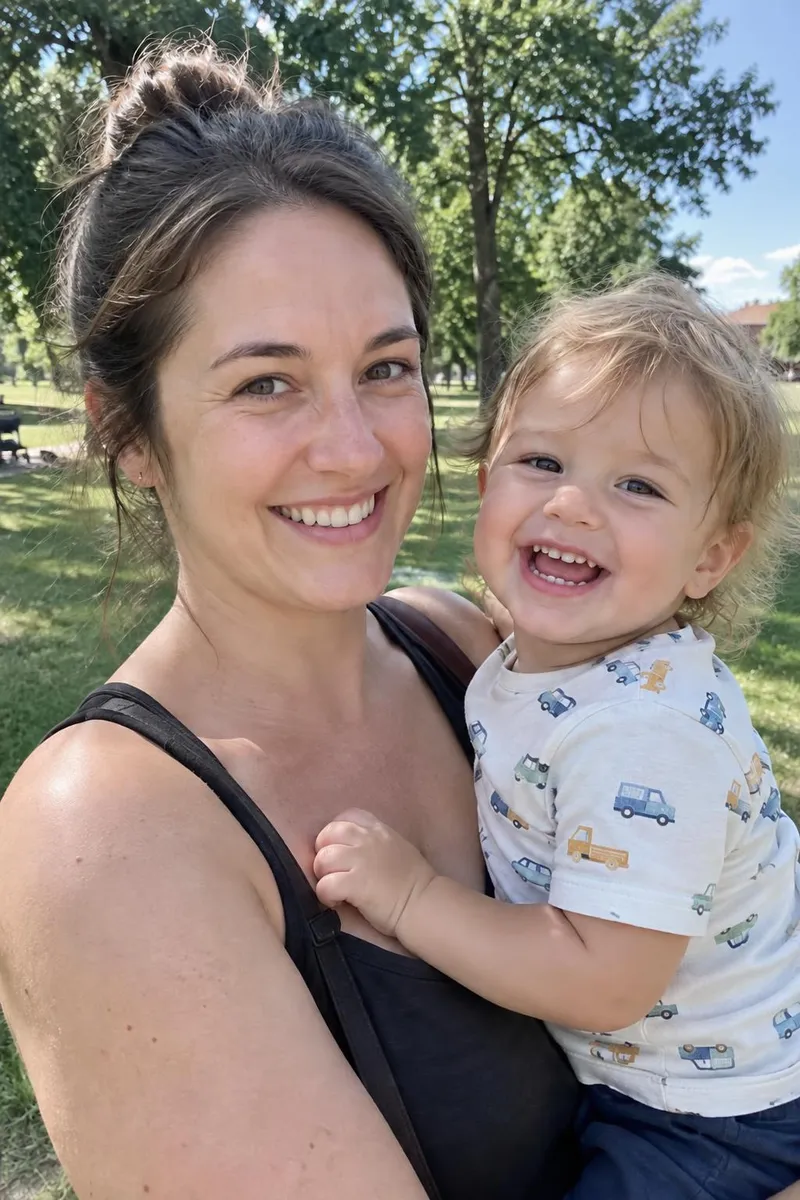
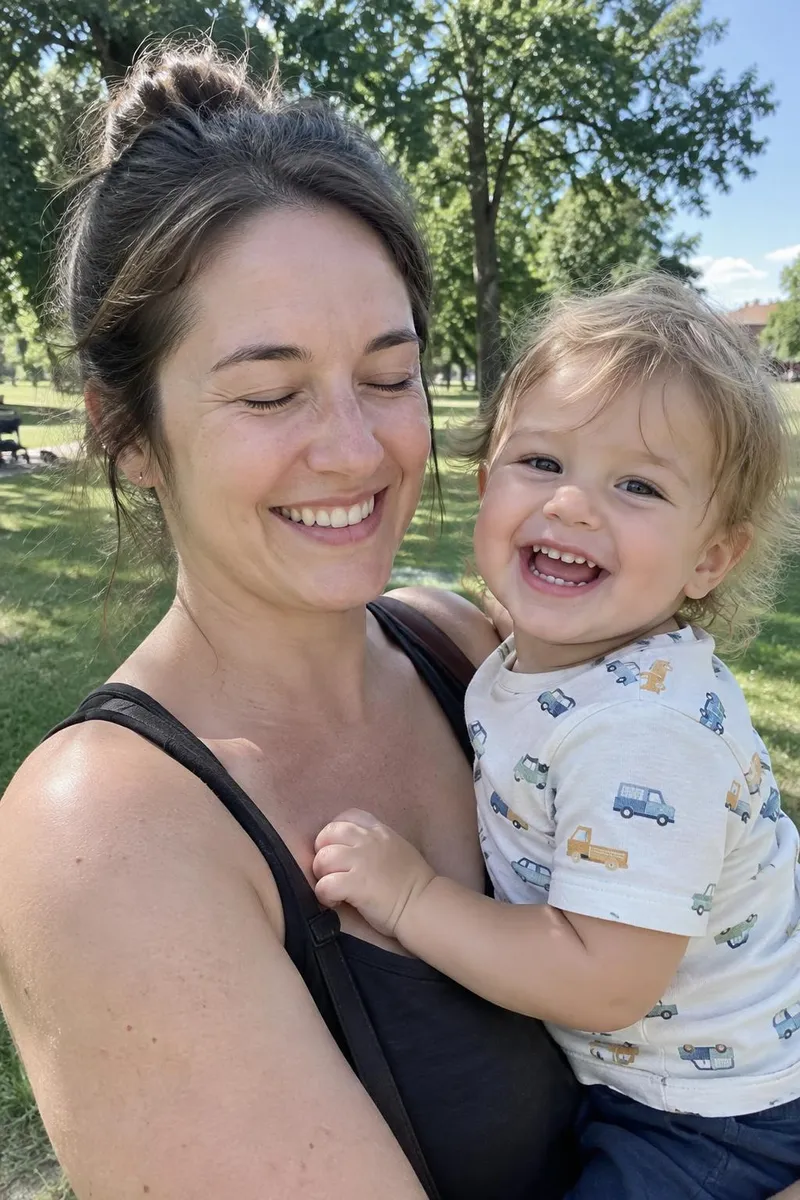 BeforeAfter
Your photo stays in this browser tab while you switch between tools.
How it works
- 1
Upload your photo
Drop in a JPG, PNG or WebP, or paste a screenshot. Nothing to install.
- 2
Point at the eyes
Paint the closed eyes, or describe who blinked. Add a reference for best likeness.
- 3
Compare and download
Drag the slider to compare with the original, then download. Not perfect? Run it again or undo.
Great for
- Group photos with one blinker
- Squinting in bright sunlight
- Candid wedding moments
Tips for the best result
- A reference photo of the same person gives the most natural eyes.
- Paint only the eyes, not the whole face.
Questions
How do I fix closed eyes in a photo?
Upload the photo, paint over the closed eyes or describe who blinked, and press Fix closed eyes. Adding another photo of the same person gives the most natural match.
Will it change their eye colour?
With a reference photo the real eye colour and shape are used. Without one, describe the eye colour for best results.
Often used together
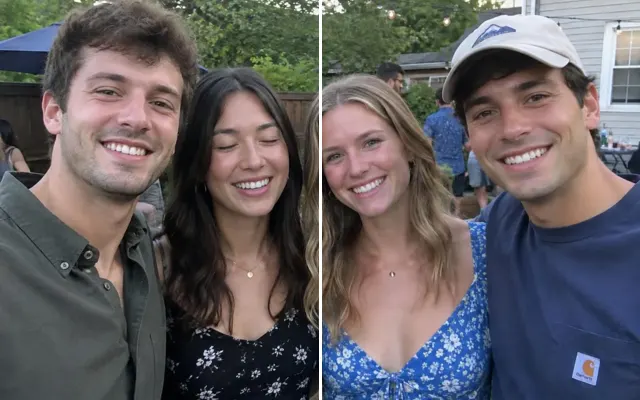 BeforeAfterCombine best shotsOne perfect group photo from several takes.
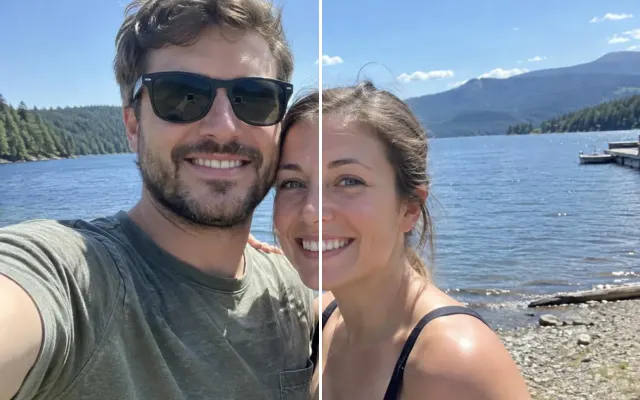 BeforeAfterSwap face or expressionUse a better face, smile or expression from another shot.
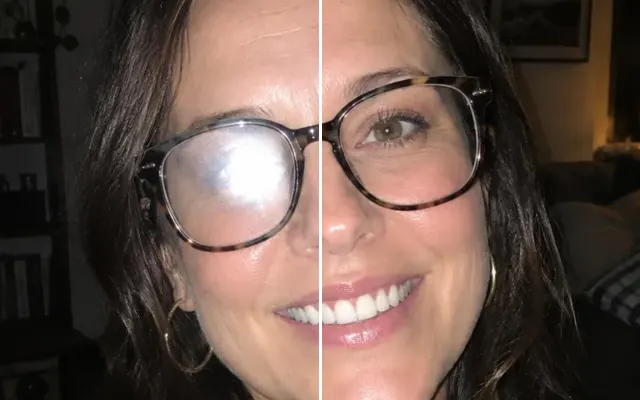 BeforeAfterFace retouchBlemishes, teeth, glasses glare — subtle and natural.
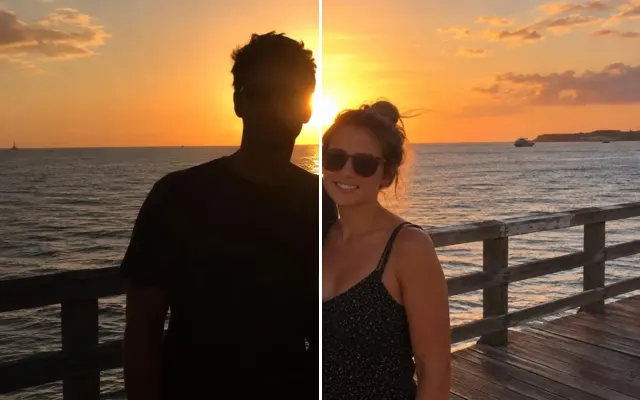 BeforeAfterFix lightingBrighten dark shots, fix backlight, remove glare.