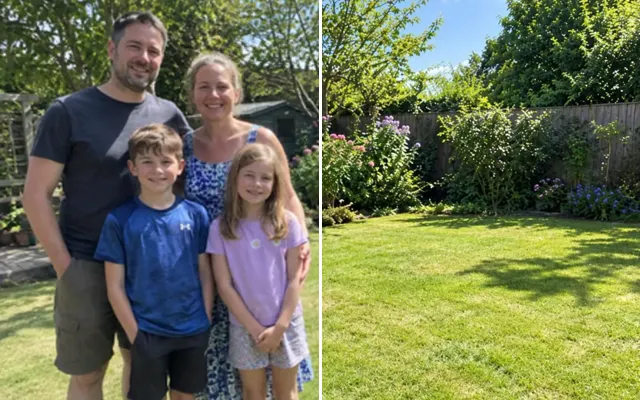
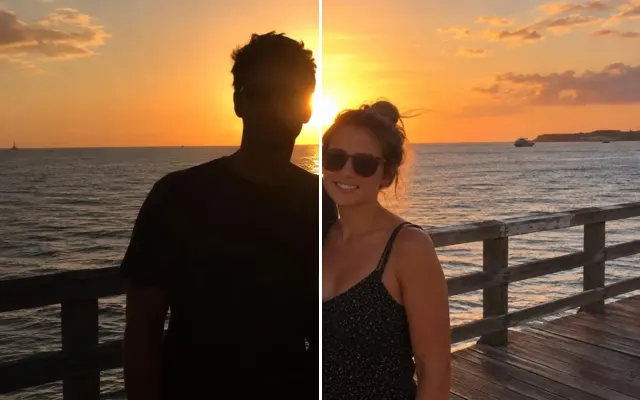
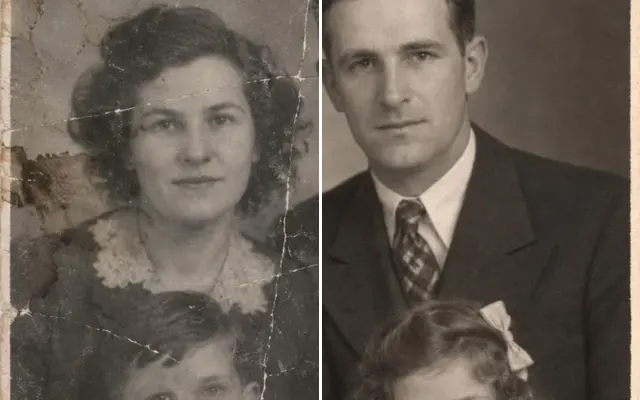
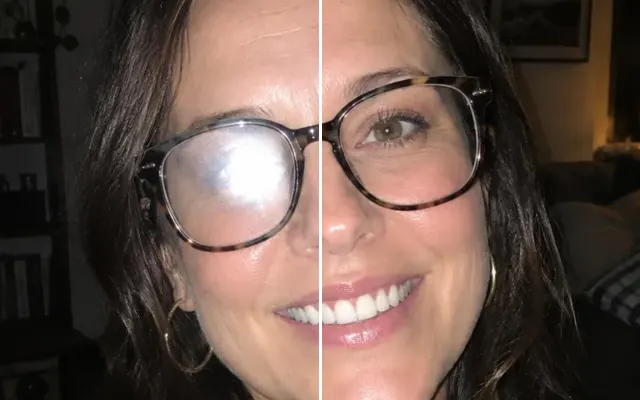
Unblur and enhance blurry photos
Sharpen soft or shaky photos, clean up grain from low light, and rescue FaceTime and video screenshots — while keeping faces faithful instead of ‘AI-smooth’.

 BeforeAfter
Your photo stays in this browser tab while you switch between tools.
How it works
- 1
Upload your photo
Drop in a JPG, PNG or WebP, or paste a screenshot. Nothing to install.
- 2
One click
Pick the output size and let it work.
- 3
Compare and download
Drag the slider to compare with the original, then download. Not perfect? Run it again or undo.
Great for
- FaceTime and video-call screenshots
- Low-light party photos
- Old phone photos
Tips for the best result
- Start from the original file, not a re-shared copy.
- For prints, follow up with Upscale.
Questions
How do I unblur a blurry photo?
Upload the original file (not a re-shared copy), pick the output size and press Unblur & enhance. For prints, run Upscale afterwards.
Can it read a licence plate or a face from CCTV?
No. Enhancement invents plausible detail; it must never be used as evidence or for identification.