Extend a photo beyond its edges
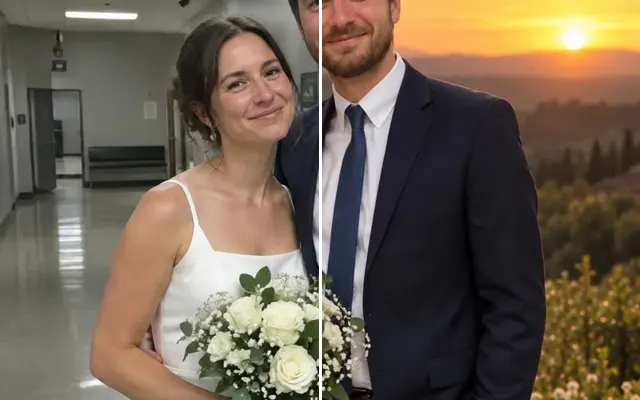
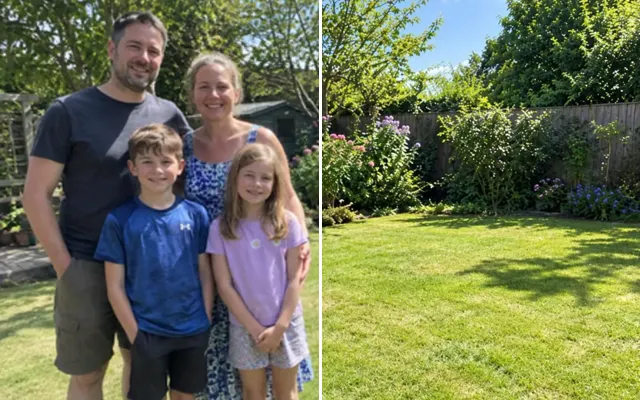
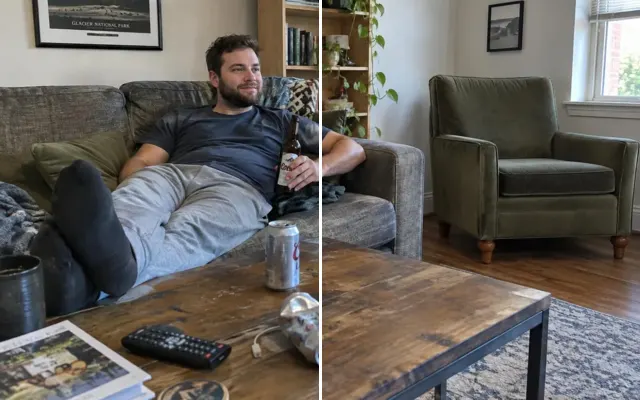
Someone's head got cut off? Need a wider or taller version for a print or a phone wallpaper? Extend the photo naturally while the original part stays untouched.

 BeforeAfter
Your photo stays in this browser tab while you switch between tools.
How it works
- 1
Upload your photo
Drop in a JPG, PNG or WebP, or paste a screenshot. Nothing to install.
- 2
Pick a direction
Choose where to add space — the original stays exactly as it was.
- 3
Compare and download
Drag the slider to compare with the original, then download. Not perfect? Run it again or undo.
Great for
- Heads or feet cut off in the frame
- Making a landscape photo fit a portrait frame
- Room for text on a card
Tips for the best result
- Extend in one direction at a time for the most believable result.
- Describe what should appear in the new area.
Questions
How do I extend a photo where the head is cut off?
Upload the photo, choose ‘Above’ and press Extend photo. When the new area lines up with your photo, your original pixels are put back exactly, so only the new part is generated.
Does the original part change?
Usually not: when the result lines up with your photo, the original pixels are put back exactly. If the model had to reframe the shot, you get its full result instead — compare with the slider and run it again if you prefer.