Fix dark, backlit and badly lit photos
Rescue dark hospital and indoor photos, backlit proposals and harsh flash: balanced exposure, natural skin tones and colour — without changing anyone's face.
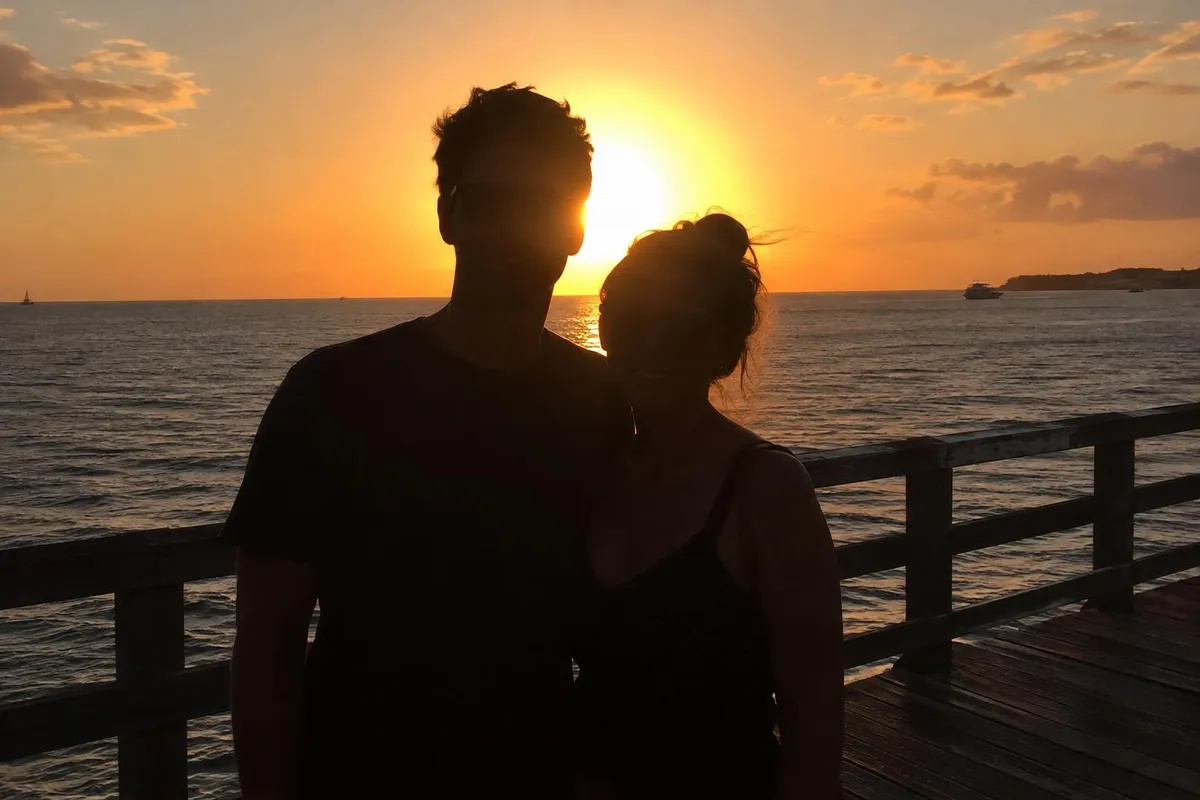 BeforeAfter
Your photo stays in this browser tab while you switch between tools.
How it works
- 1
Upload your photo
Drop in a JPG, PNG or WebP, or paste a screenshot. Nothing to install.
- 2
Pick a fix
Auto balance usually does it, or choose a specific problem.
- 3
Compare and download
Drag the slider to compare with the original, then download. Not perfect? Run it again or undo.
Great for
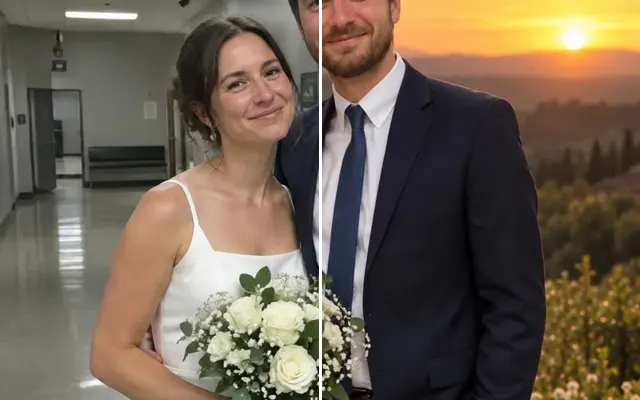
- Birth and hospital photos
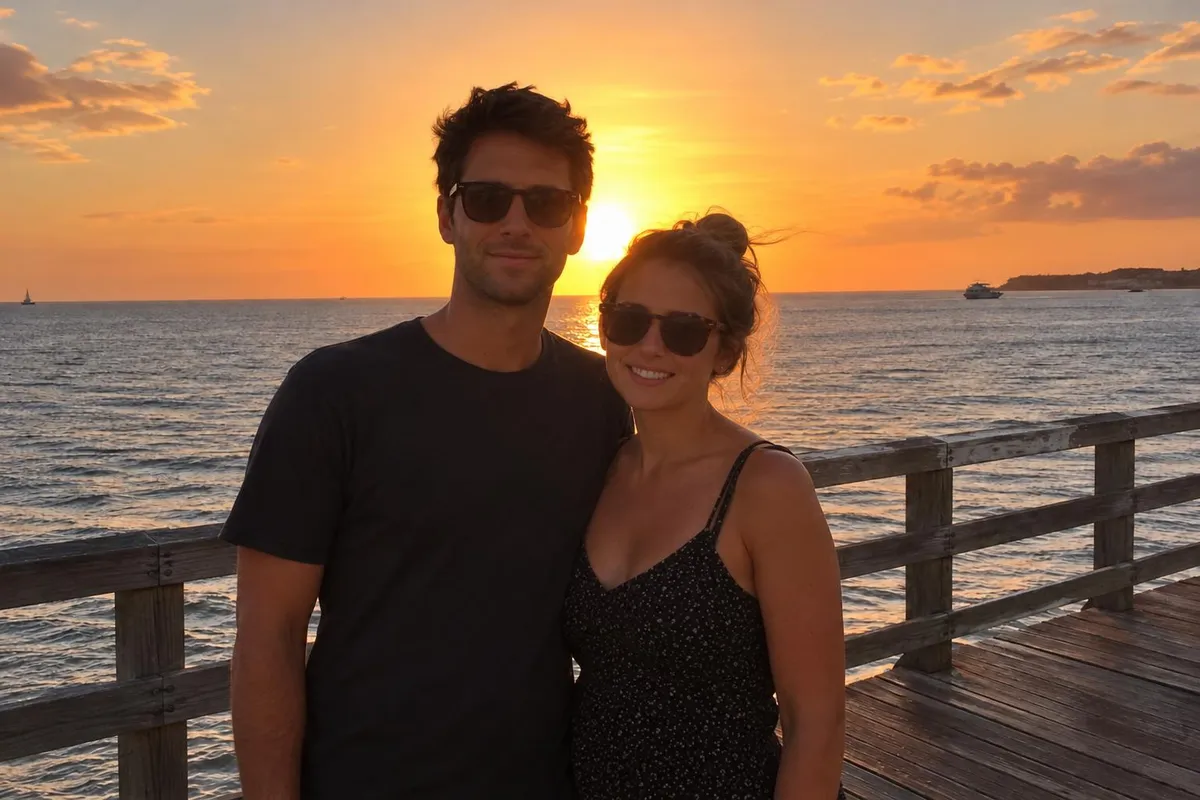
- Proposals into the sunset
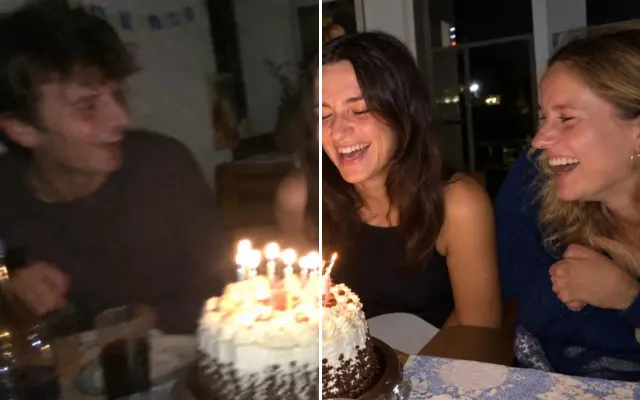
- Indoor parties with harsh flash
Tips for the best result
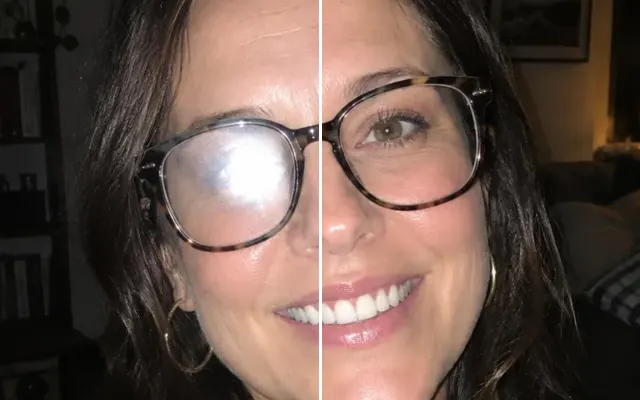
- ‘Fix backlight’ brightens faces without blowing out the sky.
Questions
How do I fix a dark or backlit photo?
Upload the photo and choose ‘Brighten dark photo’ or ‘Fix backlight’, or leave it on Auto balance. Faces are brightened without blowing out the sky.
Will it add fake light?
It balances the light that's there and only relights when you ask for a style like golden light.