Add objects to a photo
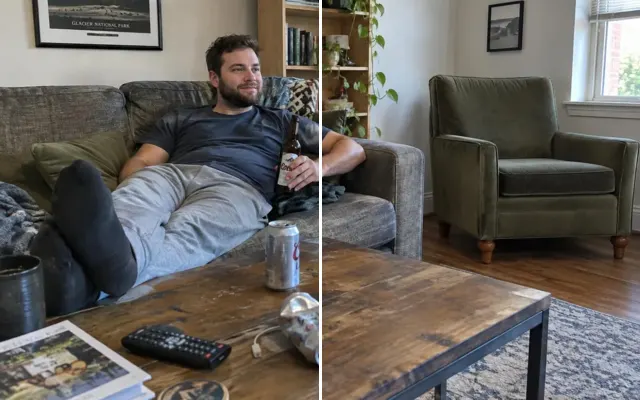
Add the balloon that flew away, light a candle, put a ring on a finger or a sign in a hand — with shadows and perspective that match the scene.
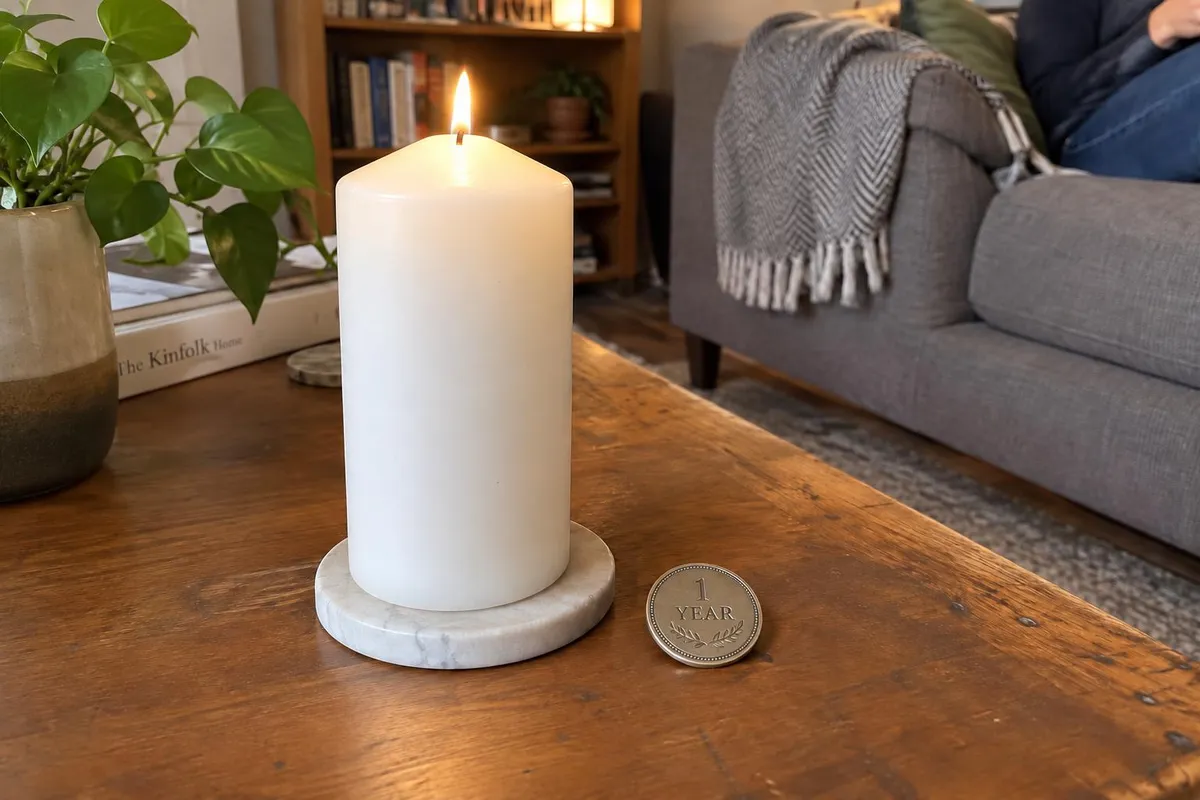
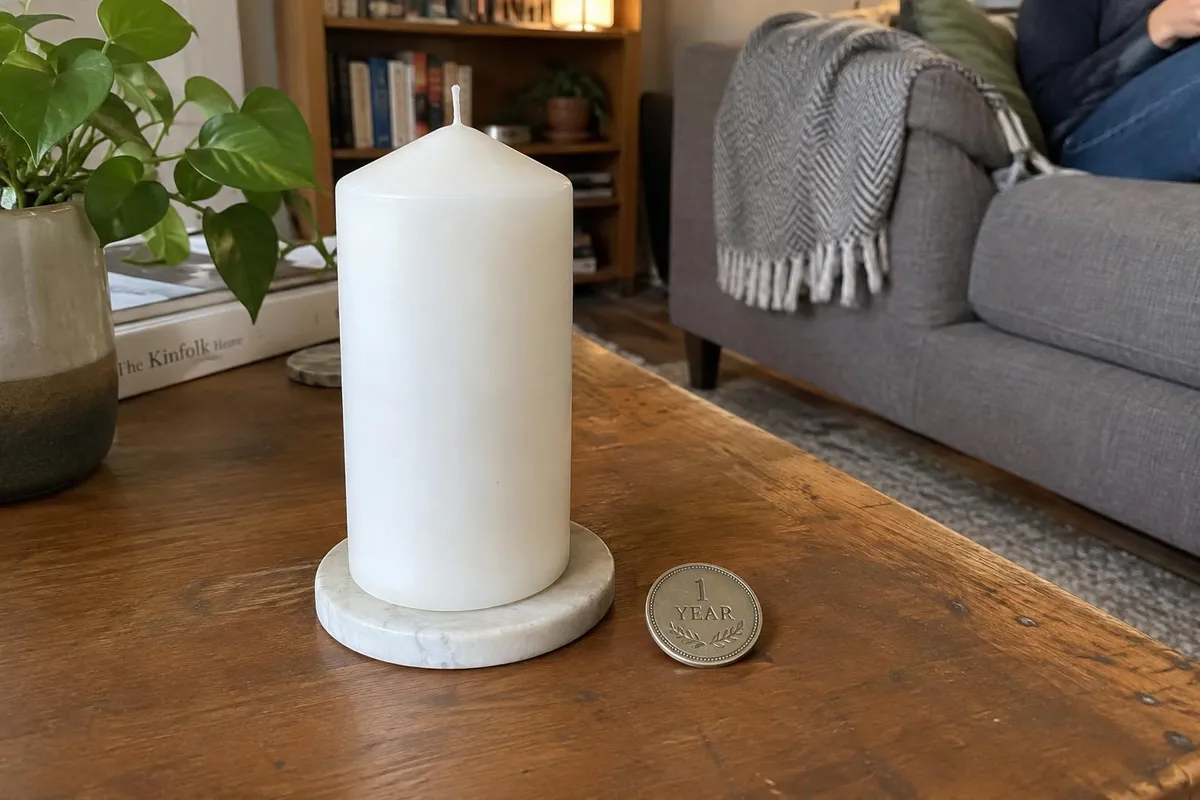 BeforeAfter
Your photo stays in this browser tab while you switch between tools.
How it works
- 1
Upload your photo
Drop in a JPG, PNG or WebP, or paste a screenshot. Nothing to install.
- 2
Say what and where
Describe the object and paint where it should appear.
- 3
Compare and download
Drag the slider to compare with the original, then download. Not perfect? Run it again or undo.
Great for
- Milestone and sobriety candles
- Missing balloon numbers
- Props for announcements
Tips for the best result
- Describe size and material.
- Upload a photo of the real object for an exact match.
Questions
How do I add an object to a photo?
Upload the photo, describe the object, paint where it should go and press Add an object. Mention size and material for a realistic result.
Can I add text?
Short text on signs works; for important wording, double-check spelling in the result.