Turn a photo into art
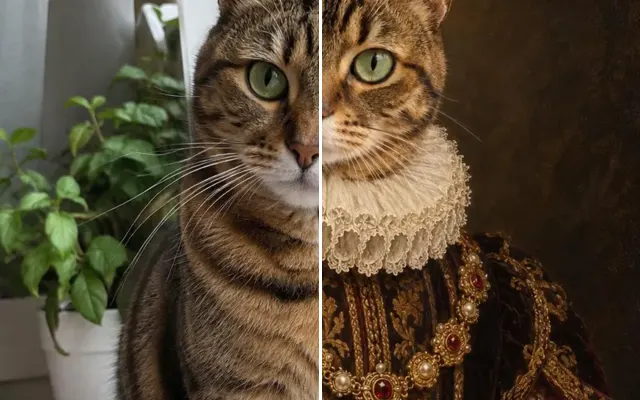
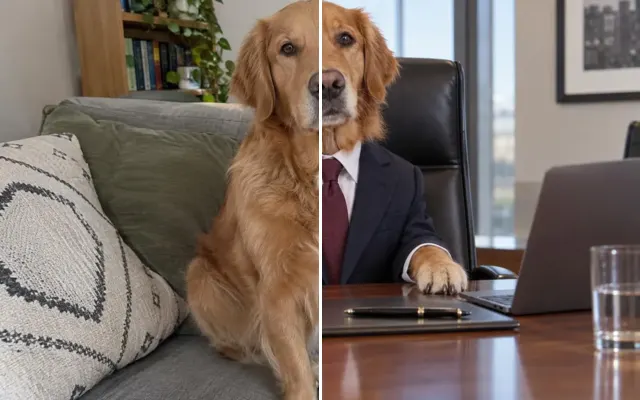
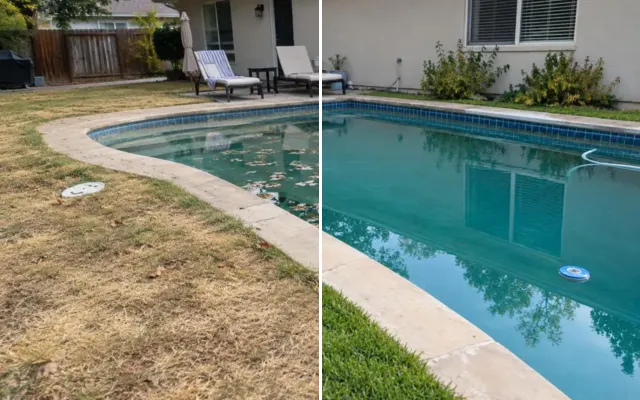
Restyle a photo as an oil painting, watercolour, pencil sketch, 3D cartoon or retro video-game poster — keeping the people recognisable.
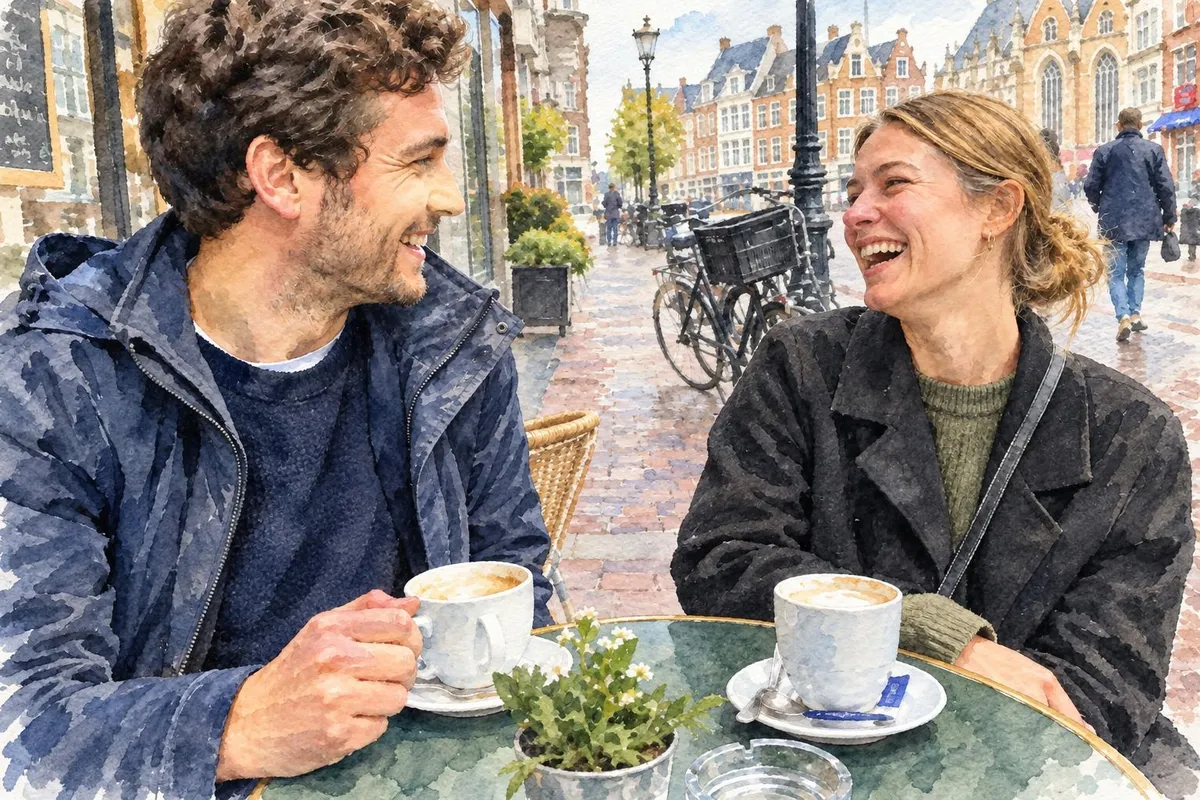
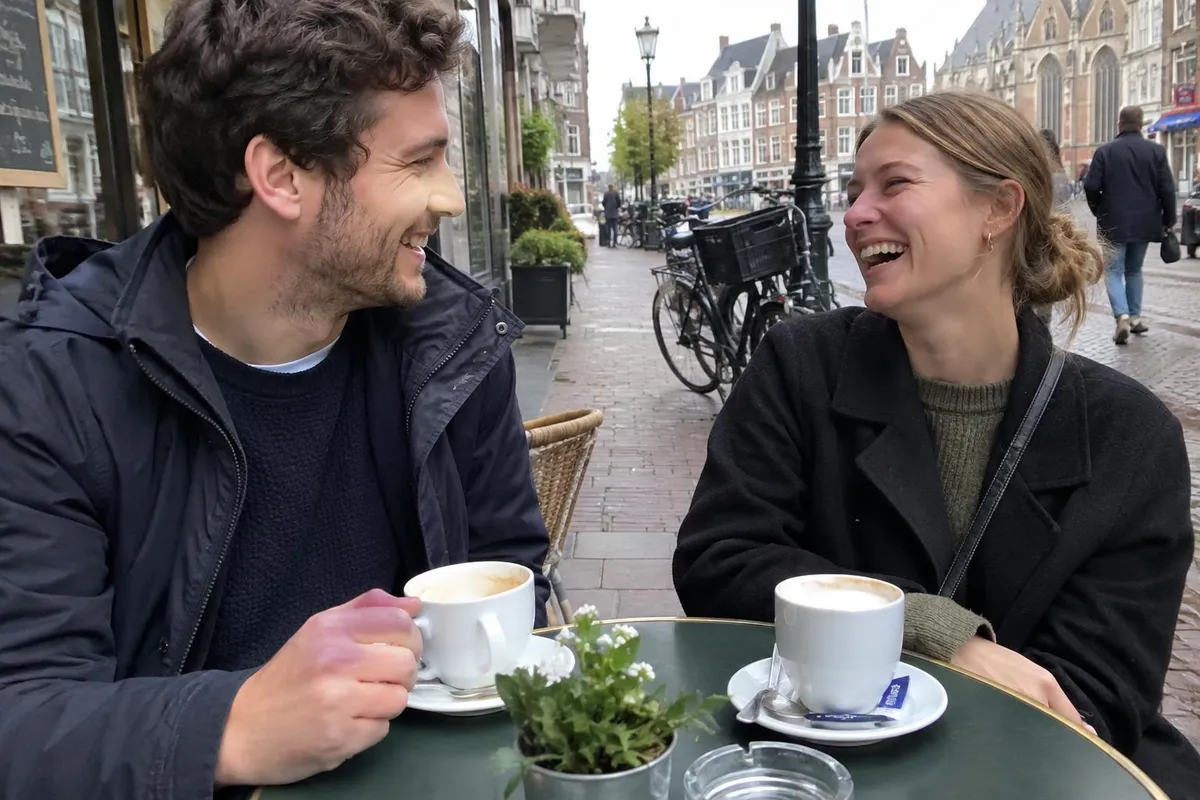 BeforeAfter
Your photo stays in this browser tab while you switch between tools.
How it works
- 1
Upload your photo
Drop in a JPG, PNG or WebP, or paste a screenshot. Nothing to install.
- 2
Pick a style
Choose a preset or describe your own.
- 3
Compare and download
Drag the slider to compare with the original, then download. Not perfect? Run it again or undo.
Great for
- Gifts and wall art
- Fun profile pictures
- Invitations and cards
Tips for the best result
- Describe an era or medium for your own style.
Questions
How do I turn a photo into a painting?
Upload the photo, choose a style such as Oil painting or Watercolour, optionally describe your own, and press Art style.
Can I copy a specific artist?
Describe the style instead (e.g. ‘bold brush strokes, swirling sky’).