Combine the best parts of multiple photos
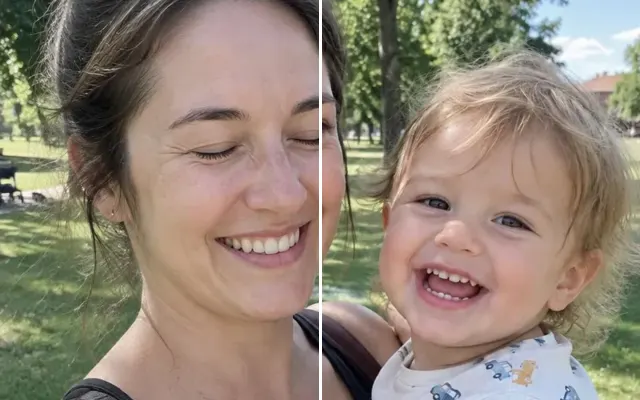
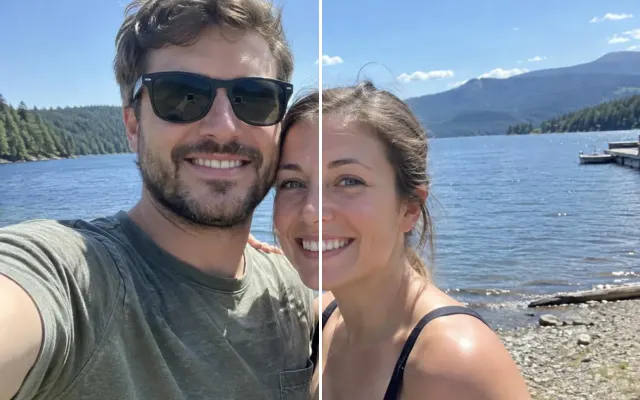
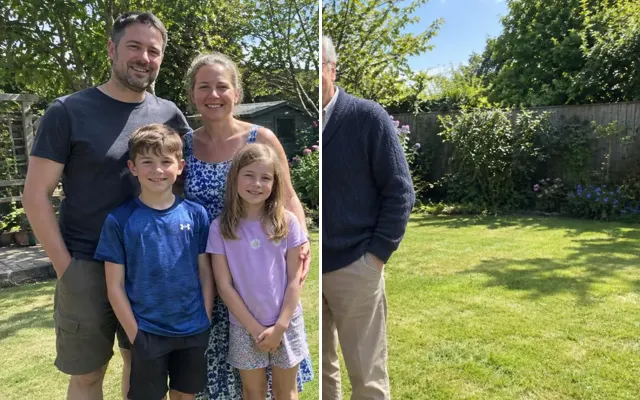
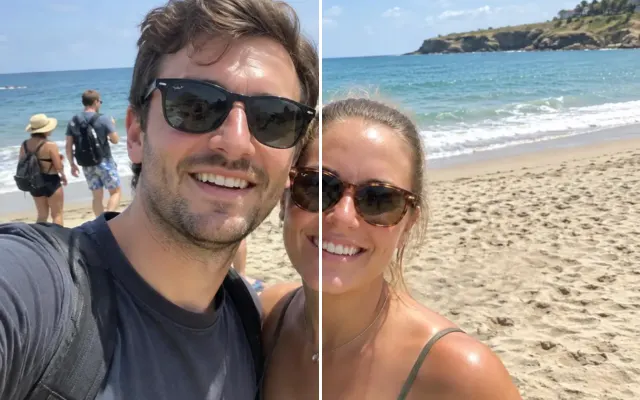
Everyone looked great — just never in the same shot. Upload the takes, and we'll merge them: her smile from one, his open eyes from another, the baby looking at the camera from a third.
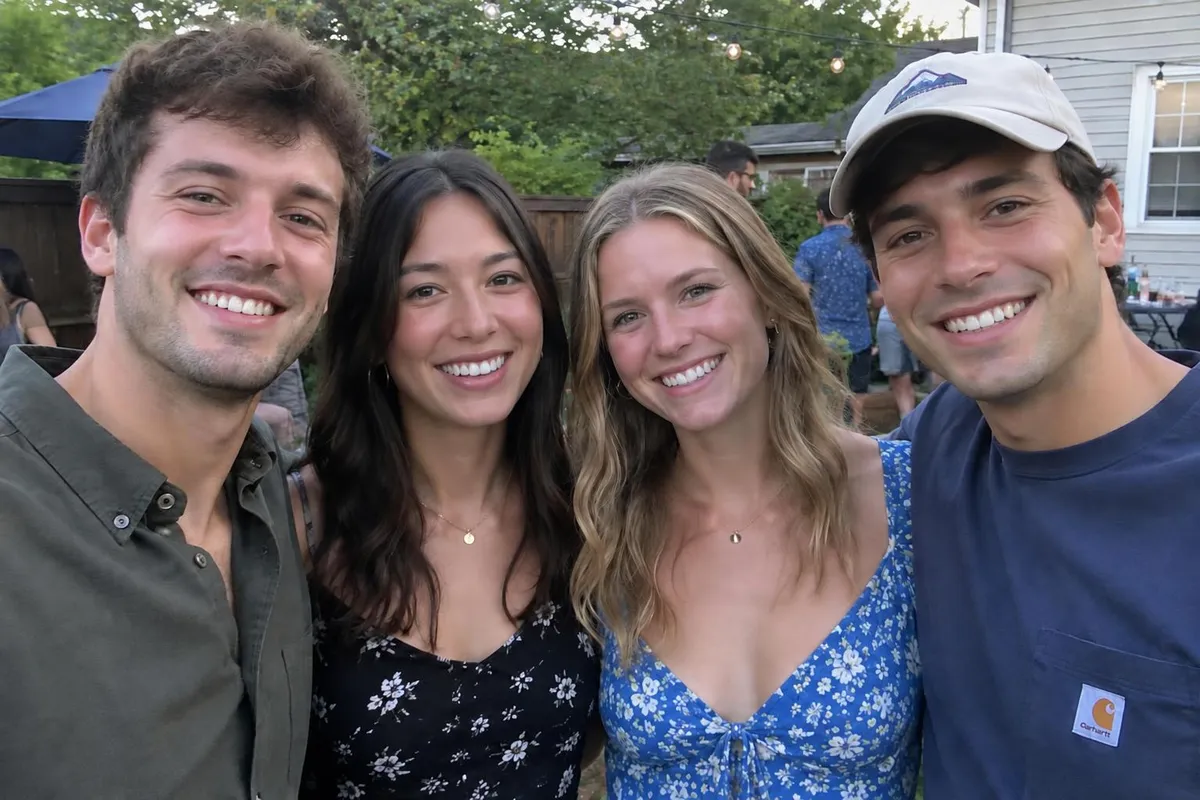
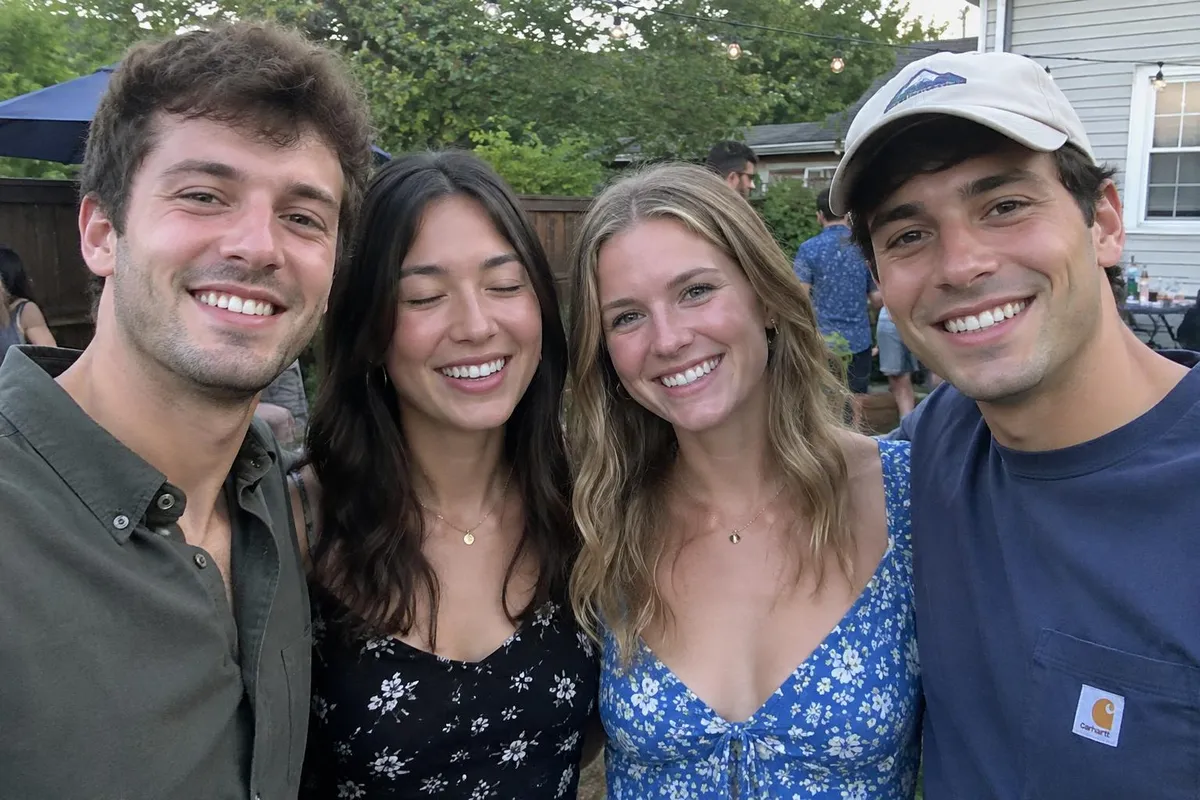 BeforeAfter
Your photo stays in this browser tab while you switch between tools.
How it works
- 1
Upload your photo
Drop in a JPG, PNG or WebP, or paste a screenshot. Nothing to install.
- 2
Add the other takes
Upload 2–3 versions and say what to borrow from each.
- 3
Compare and download
Drag the slider to compare with the original, then download. Not perfect? Run it again or undo.
Great for
- Family photos where someone always blinks
- Kids and babies who won't look at the camera
- Team photos
Tips for the best result
- Use takes from the same moment and angle.
- Refer to photos by number: photo 1 is the main one.
Questions
How do I combine the best faces from two photos?
Upload the take with the best framing as the main photo, add the other takes, and say what to borrow from each — for example ‘use dad's open eyes from photo 2’.
Is this the same as a face swap?
It's the same person, borrowed from another take — so the result still looks like them, just at their best moment.