Restore old and damaged photos
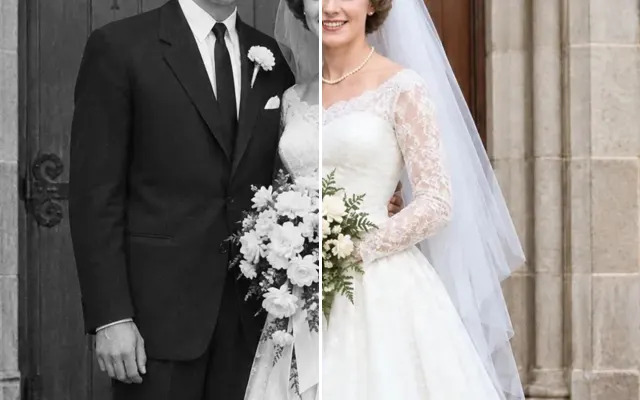
Repair creases, tears, scratches, water stains, fading and even crayon marks on old photos — without inventing new faces. Optionally add colour in the same step.
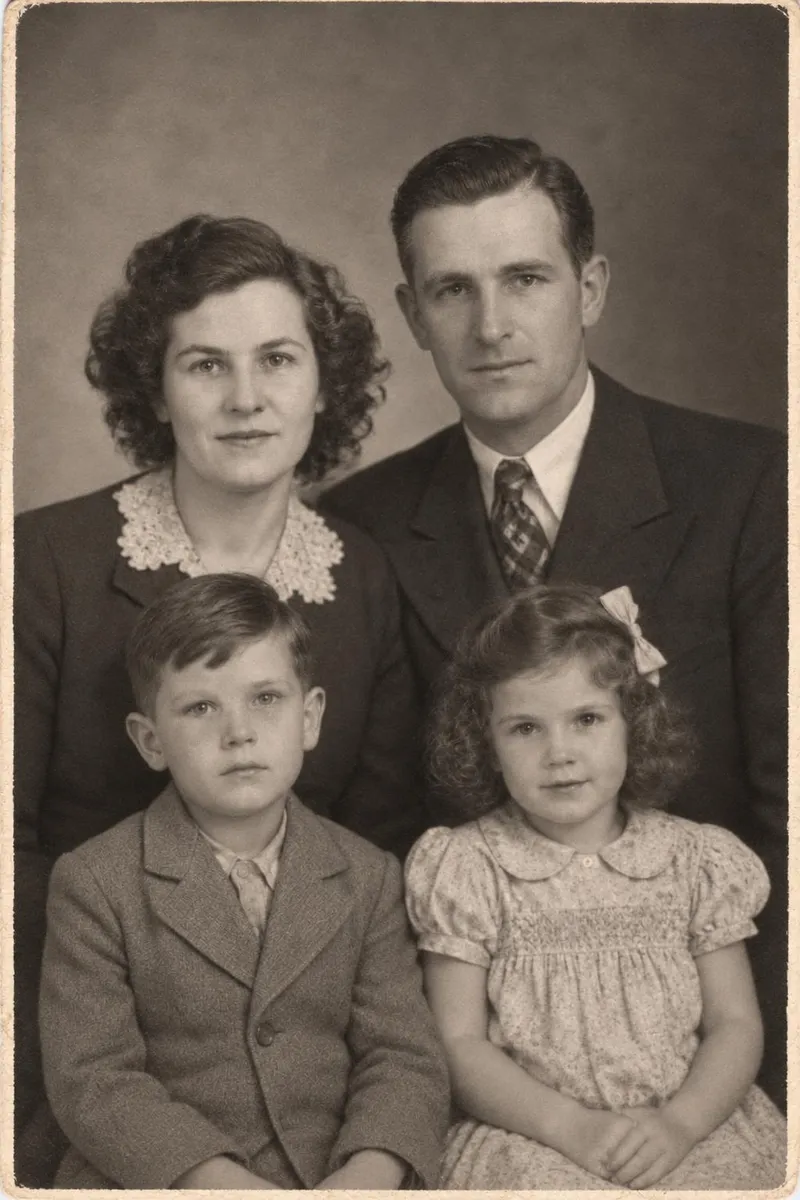
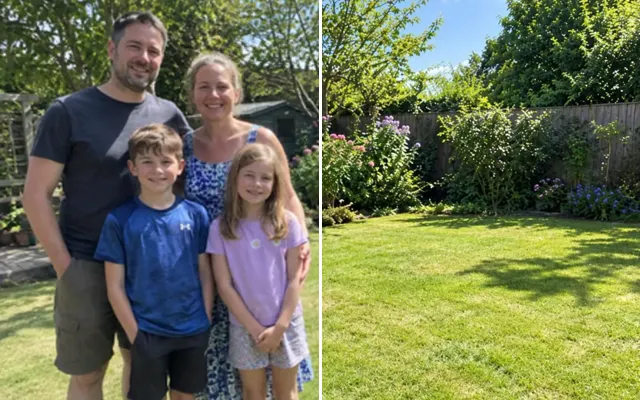
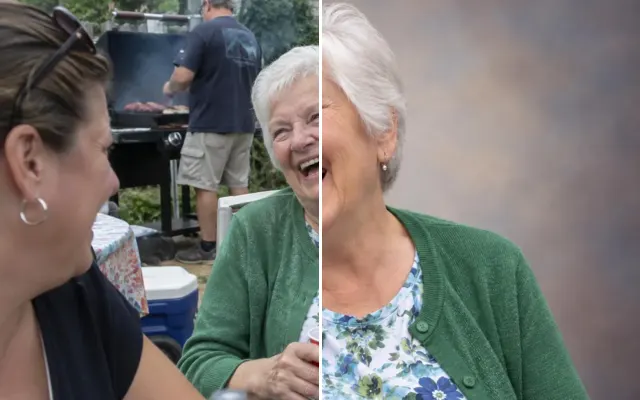
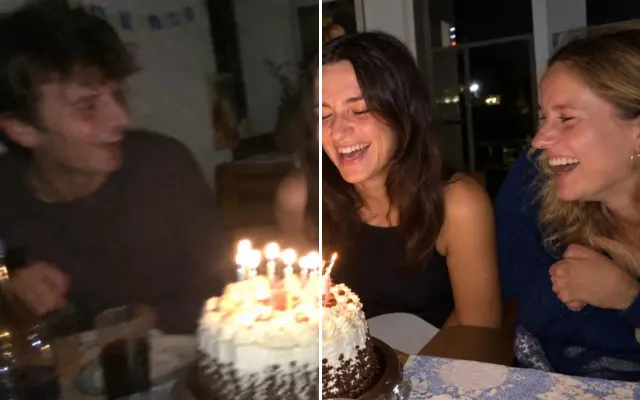
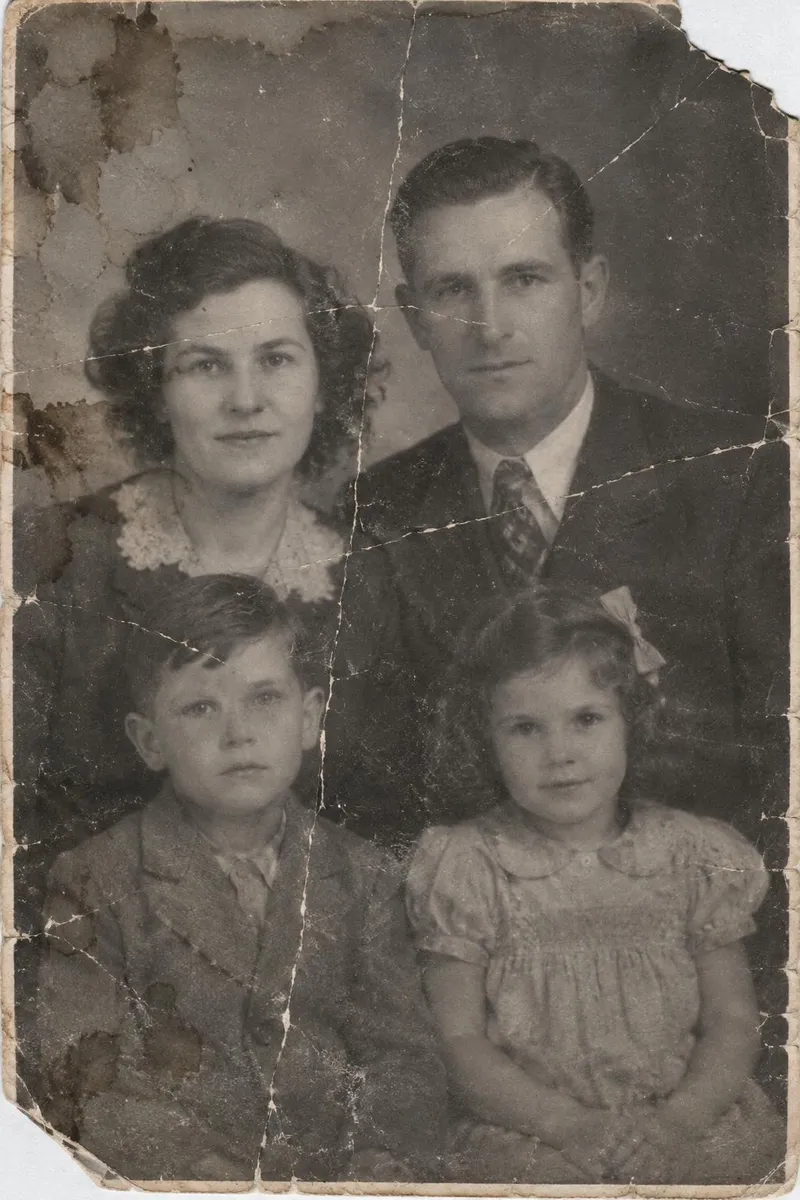 BeforeAfter
Your photo stays in this browser tab while you switch between tools.
How it works
- 1
Upload your photo
Drop in a JPG, PNG or WebP, or paste a screenshot. Nothing to install.
- 2
Let it repair
Damage is detected automatically. Paint any big tears for extra care.
- 3
Compare and download
Drag the slider to compare with the original, then download. Not perfect? Run it again or undo.
Great for
- Family archives and scanned prints
- Gifts for grandparents
- Genealogy projects
Tips for the best result
- Scan or photograph the print flat, without glare.
- Run Upscale afterwards to print larger.
Questions
How do I restore an old damaged photo?
Scan or photograph the print flat without glare, upload it and press Restore old photo. Paint any big tears for extra care, and choose ‘Also colorize’ if you want colour.
Will it make up faces that aren't there?
No. Faces are kept as they appear; only damage on and around them is repaired. Very damaged faces may stay soft.