Remove objects from photos
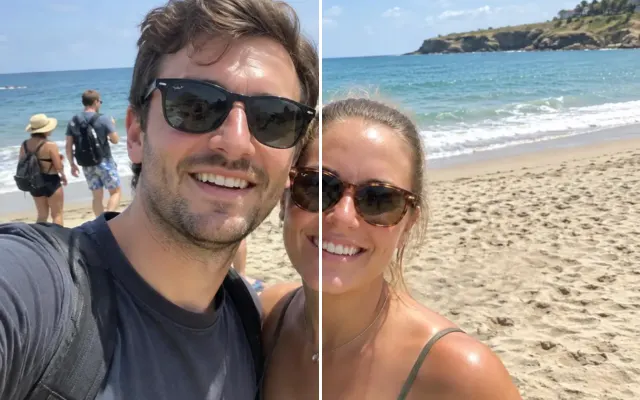
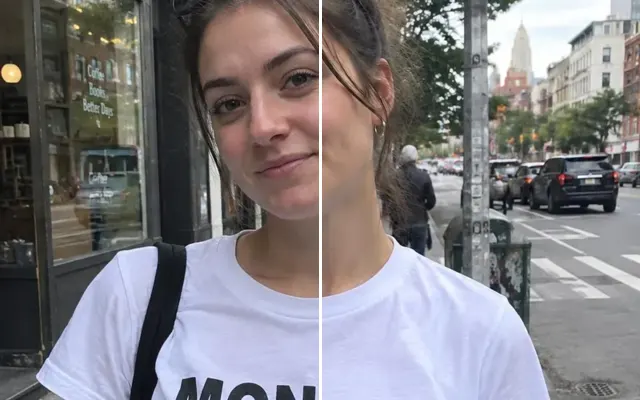
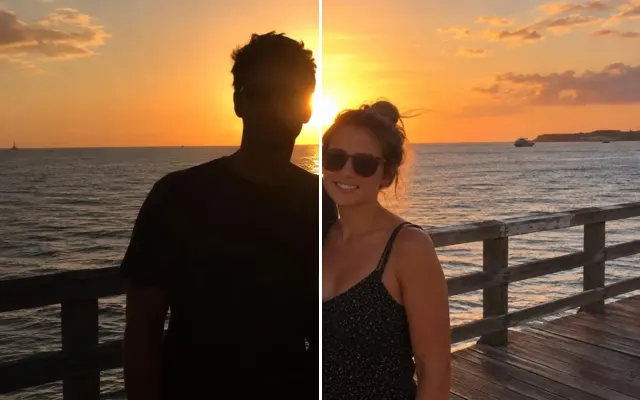
Paint over anything that ruins the shot — a beer in your hand, power lines, a trash can, a phone charger, a stray car — and it disappears with the background filled in naturally.

 BeforeAfter
Your photo stays in this browser tab while you switch between tools.
How it works
- 1
Upload your photo
Drop in a JPG, PNG or WebP, or paste a screenshot. Nothing to install.
- 2
Paint over it
Brush over what should change. A rough stroke is enough — everything you don't paint stays pixel-for-pixel the same.
- 3
Compare and download
Drag the slider to compare with the original, then download. Not perfect? Run it again or undo.
Great for
- Drinks or cigarettes in family photos
- Power lines, poles and signs in landscapes
- Messy rooms in listing or product photos
- Stickers, chargers and clutter on tables
Tips for the best result
- Brush slightly past the object's edges and over its shadow.
- If something is held in a hand, say what the hand should do instead.
- Remove big objects one at a time for the cleanest result.
Questions
How do I remove an object from a picture?
Upload your picture, brush over the object and its shadow, and press Remove objects. Only the painted area changes; the rest of the photo is kept pixel-for-pixel.
What's left where the object was?
The model rebuilds what would naturally be behind it — wall, grass, sky, clothing — matching the grain and light of your photo.
Does the rest of my photo get re-compressed?
Areas you don't paint are copied back from your original, so they stay identical.