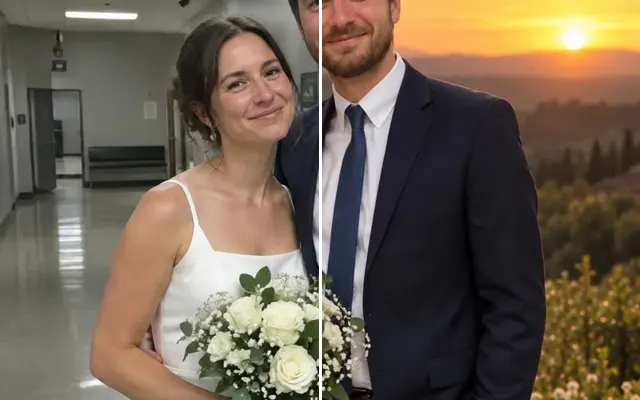
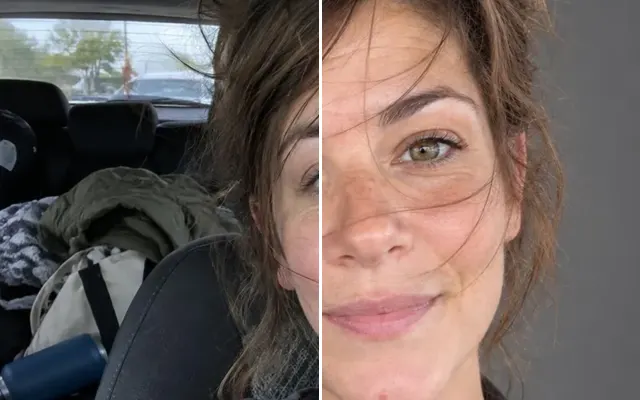
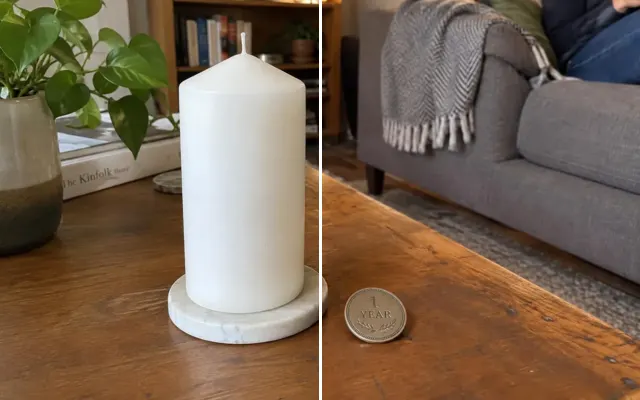
Remove the background from a photo
Cut out people, pets and products with clean edges — even around hair — and download a transparent PNG.

 BeforeAfter
Your photo stays in this browser tab while you switch between tools.
How it works
- 1
Upload your photo
Drop in a JPG, PNG or WebP, or paste a screenshot. Nothing to install.
- 2
One click
The subject is detected automatically — no painting needed.
- 3
Compare and download
Drag the slider to compare with the original, then download. Not perfect? Run it again or undo.
Great for
- Product listings
- Stickers and collages
- Presentations and design work
Tips for the best result
- A clear contrast between subject and background gives the cleanest edges.
Questions
How do I make a photo background transparent?
Upload the image and press Remove background. The subject is detected automatically and you download a PNG with a transparent background.
What format do I get?
A PNG with a transparent background.