Edit a photo by describing it
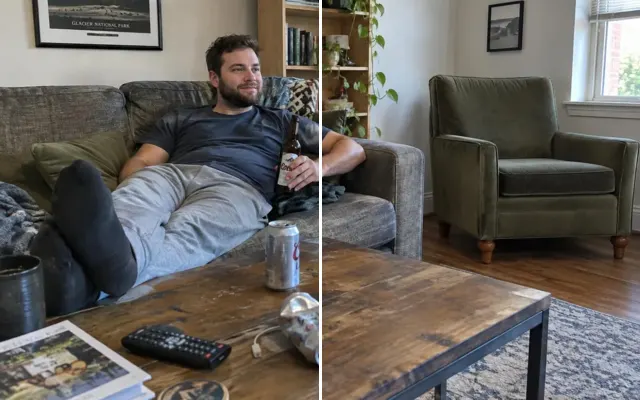
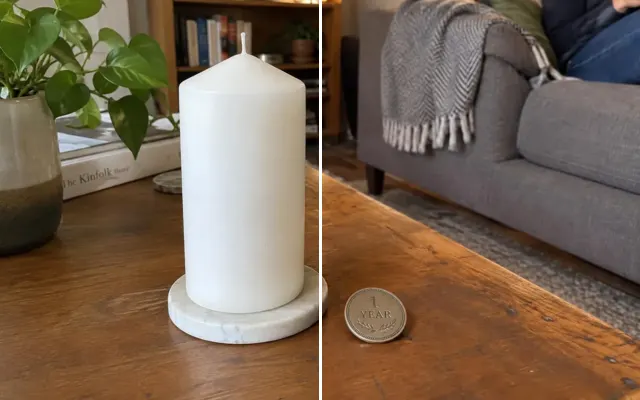
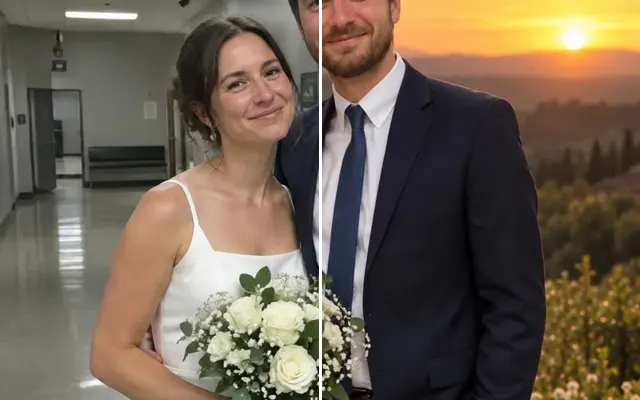
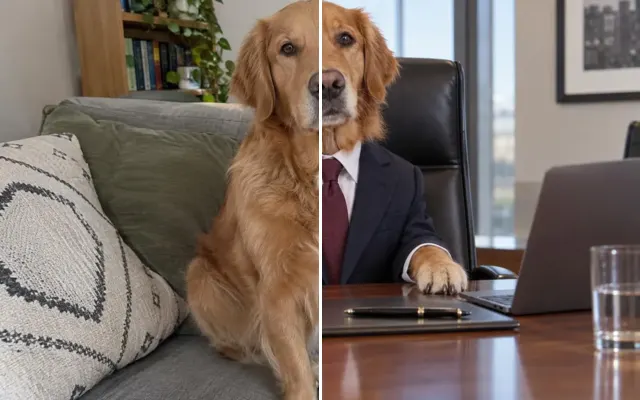
Anything the other tools don't cover: describe the change in plain words, paint the area if it helps, and we'll make that one edit while keeping the rest of the photo as it is.
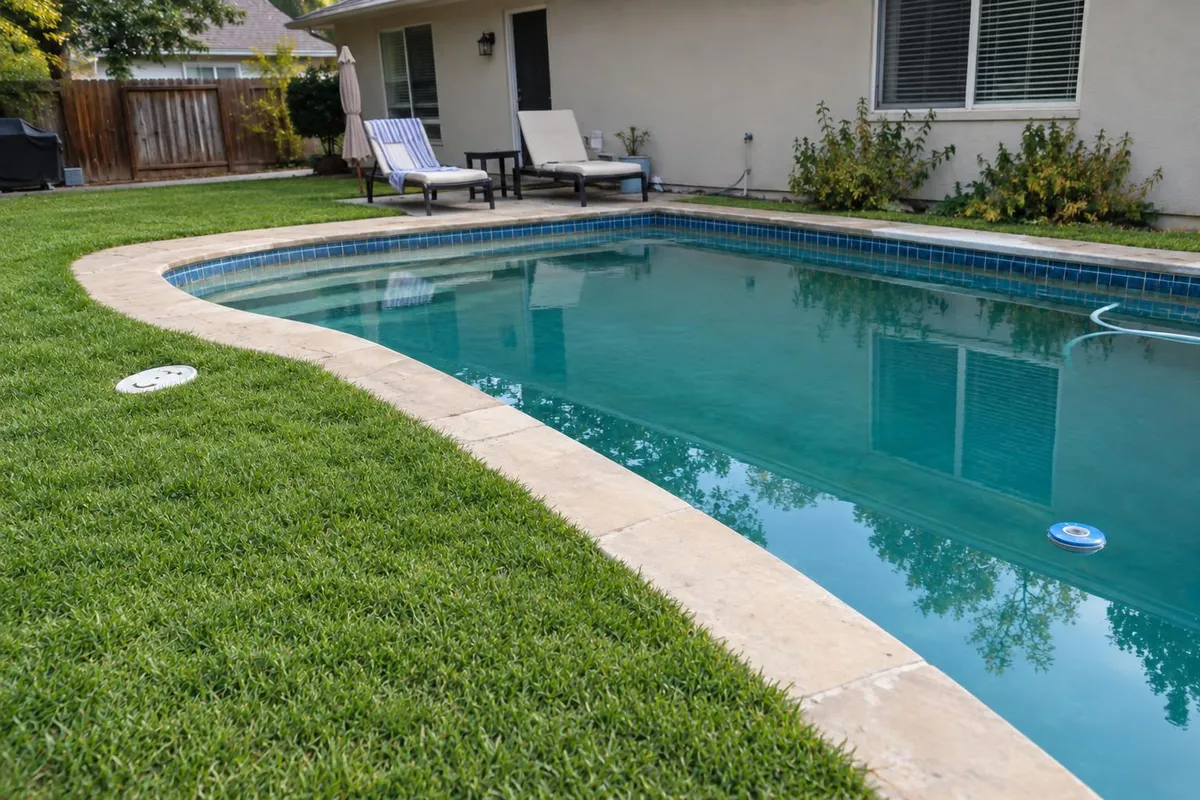
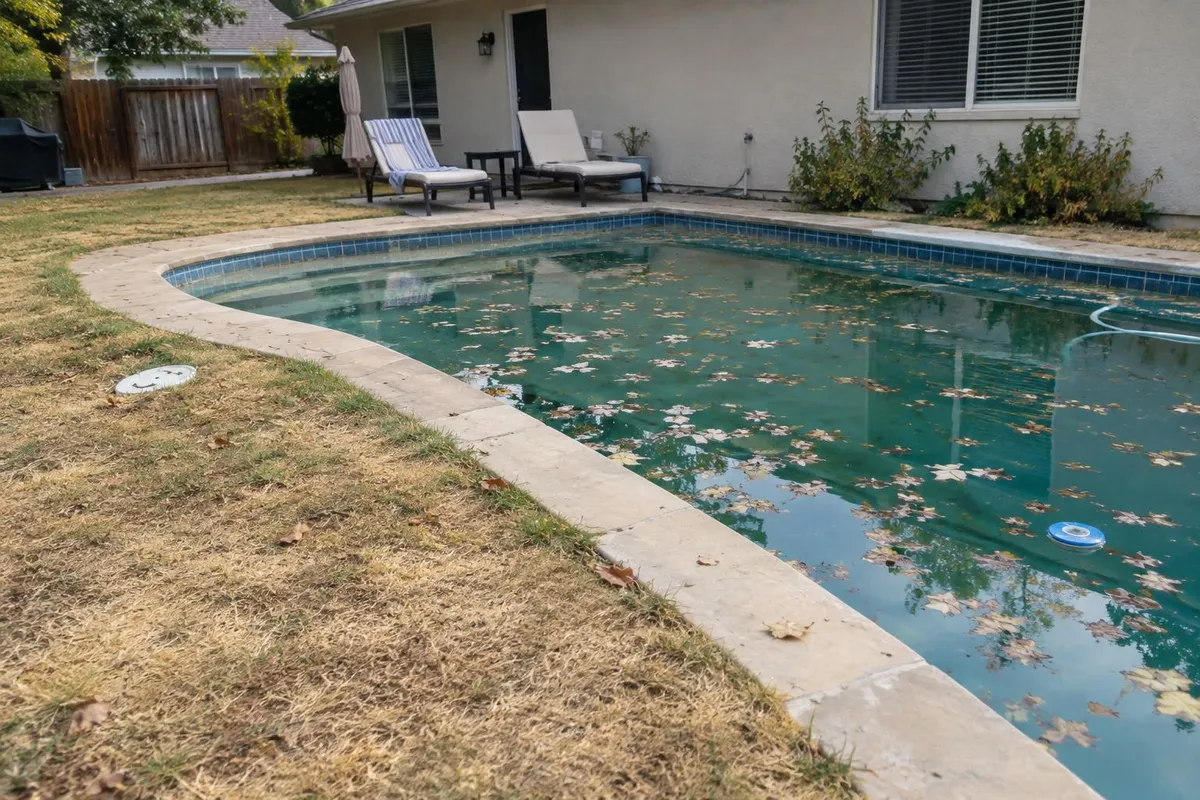 BeforeAfter
Your photo stays in this browser tab while you switch between tools.
How it works
- 1
Upload your photo
Drop in a JPG, PNG or WebP, or paste a screenshot. Nothing to install.
- 2
Describe it
Write the change like you'd ask a friend who's good at Photoshop.
- 3
Compare and download
Drag the slider to compare with the original, then download. Not perfect? Run it again or undo.
Great for
- Requests that don't fit another tool
- Combining several small fixes
- Using a reference photo creatively
Tips for the best result
- Say what to keep as well as what to change.
- Paint the area for precise, local edits.
Questions
Can I edit a photo just by describing what I want?
Yes. Upload the photo, write the change like you'd ask a friend who's good at Photoshop, and optionally paint the area. Say what to keep as well as what to change.
What can't it do?
No sexual content, fake documents or receipts, edits to deceive or harass, or removing other people's watermarks.