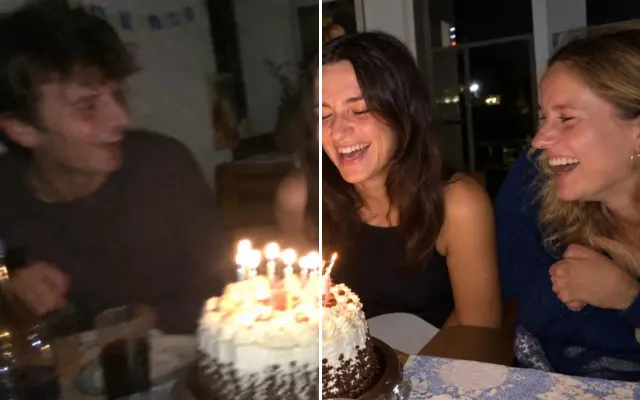
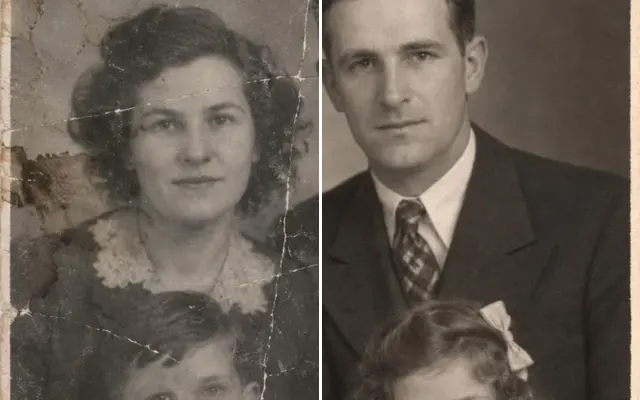
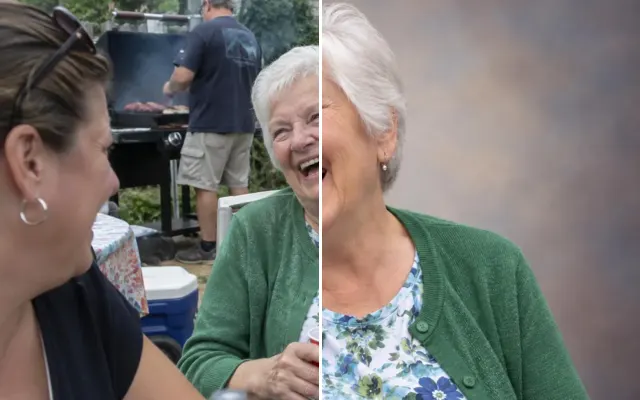
Upscale photos for print
Increase resolution 2× or 4× with natural detail, so a phone photo or a restored print holds up on a canvas, a funeral programme or a poster.
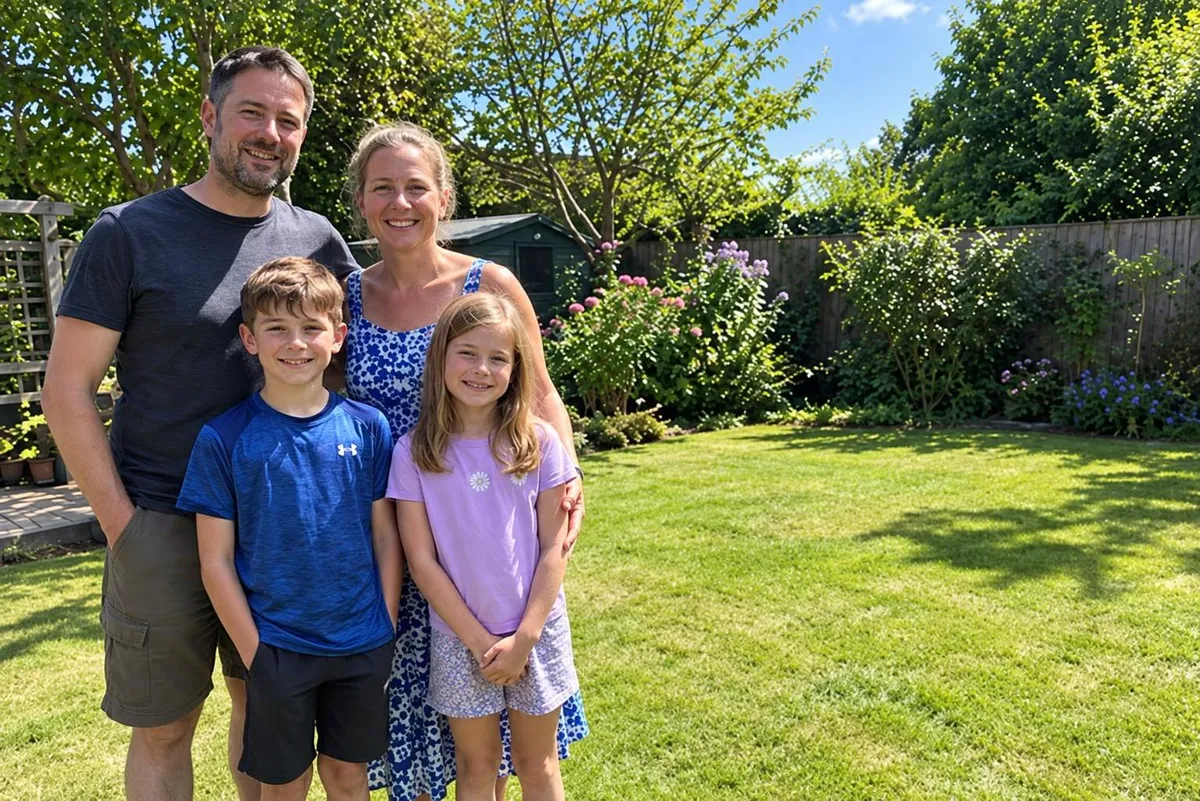
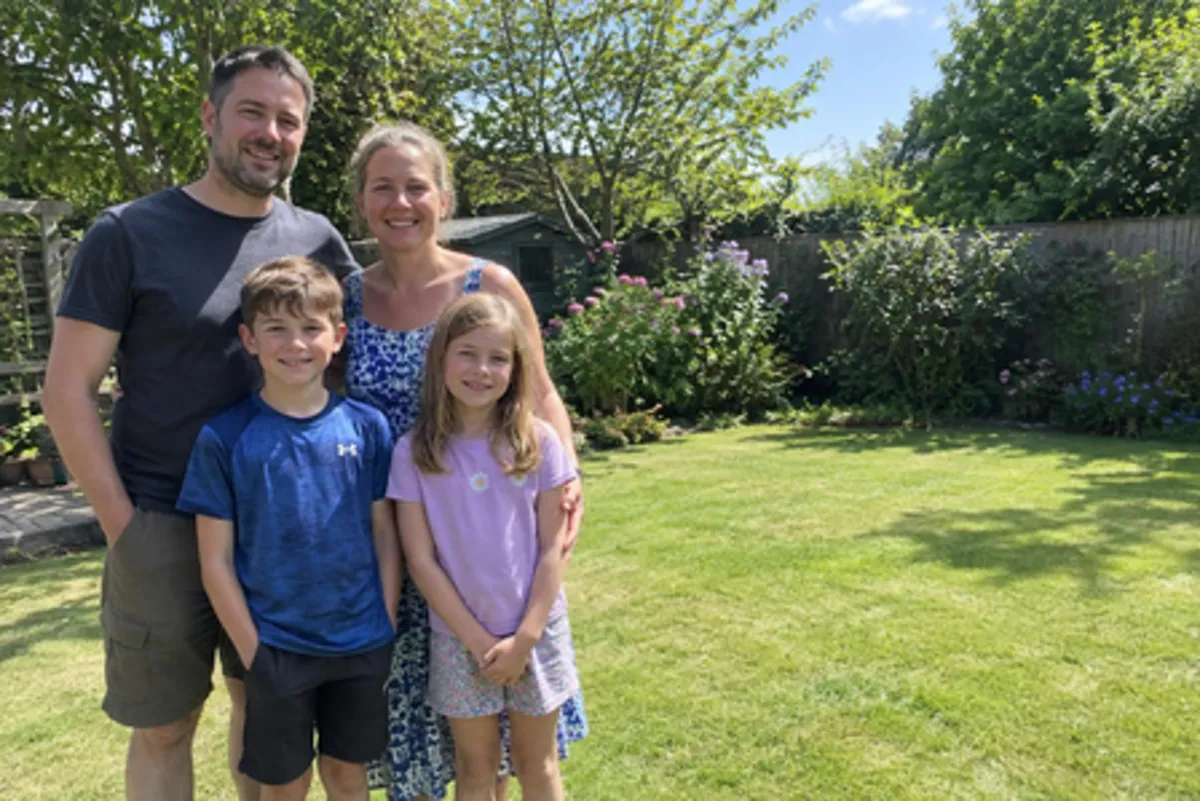 BeforeAfter
Your photo stays in this browser tab while you switch between tools.
How it works
- 1
Upload your photo
Drop in a JPG, PNG or WebP, or paste a screenshot. Nothing to install.
- 2
Pick a size
Choose 2× or 4× — that's it.
- 3
Compare and download
Drag the slider to compare with the original, then download. Not perfect? Run it again or undo.
Great for
- Canvas and poster prints
- Restored family photos
- Cropped-in details
Tips for the best result
- Upscale last, after all other edits.
Questions
How do I increase the resolution of a photo?
Upload the photo, choose 2× or 4× and press Upscale. Do it as the last step, after any other edits.
What's the maximum size?
Up to 4× your upload; very large photos are capped to keep processing fast.