Colorize black and white photos
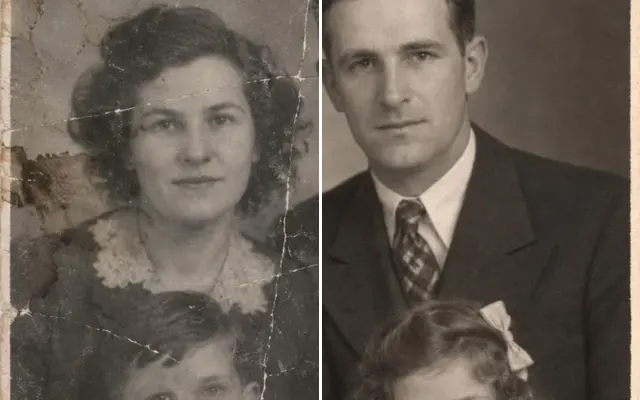
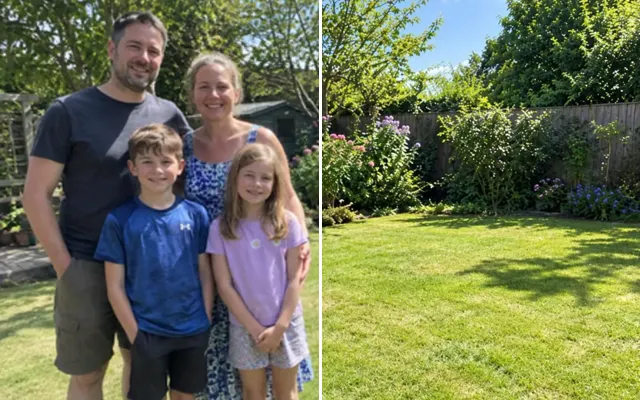
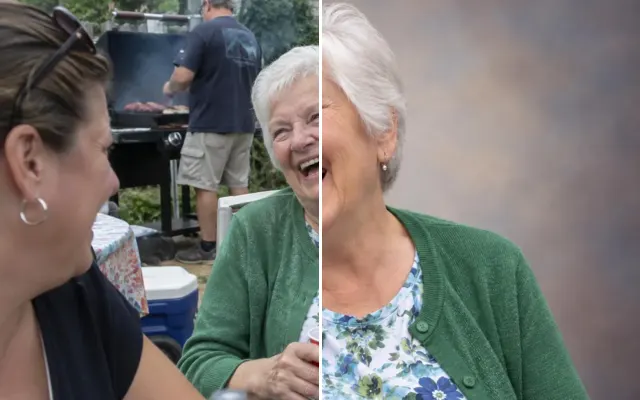
Bring black-and-white and sepia photos to life with natural, period-appropriate colour. Know the real colours? Describe them or add a colour reference photo.
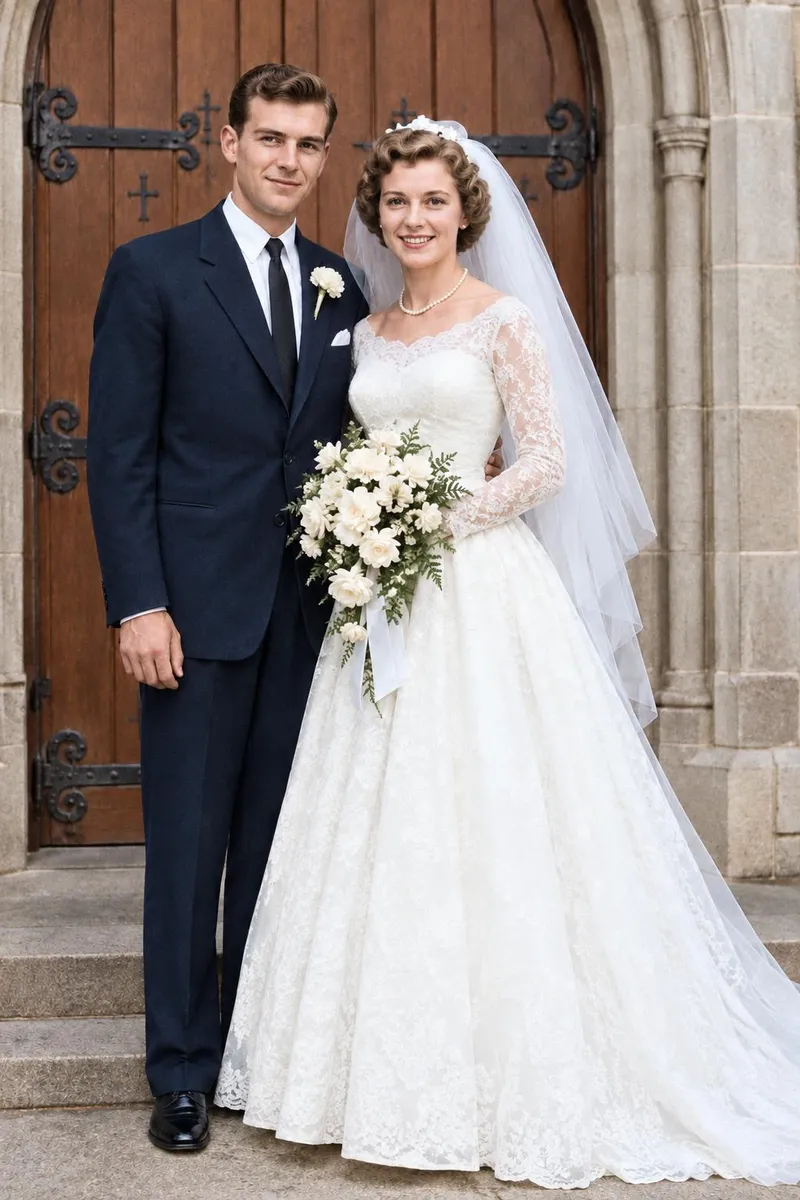
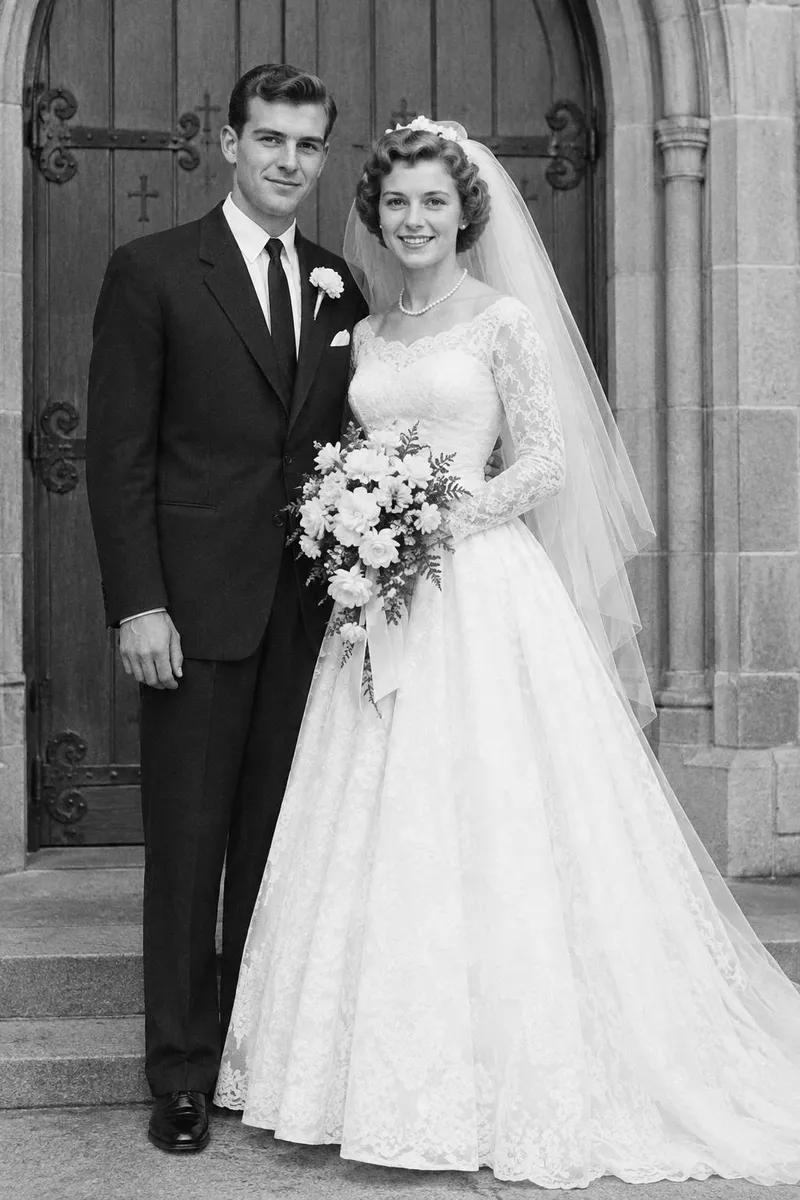 BeforeAfter
Your photo stays in this browser tab while you switch between tools.
How it works
- 1
Upload your photo
Drop in a JPG, PNG or WebP, or paste a screenshot. Nothing to install.
- 2
Add known colours
Optionally describe real colours or add a colour reference.
- 3
Compare and download
Drag the slider to compare with the original, then download. Not perfect? Run it again or undo.
Great for
- Grandparents' wedding photos
- Historic family portraits
- Gifts and framed prints
Tips for the best result
- Repair damage first with Restore old photo.
- Name hair, eye and clothing colours you know.
Questions
How do I colorize a black and white photo?
Upload the photo, optionally describe colours you know (like ‘her dress was light blue’) or add a colour reference, and press Colorize photo.
Are the colours accurate?
They're a realistic guess unless you tell us the real colours — then those are used.