Create a memorial photo for a funeral or obituary
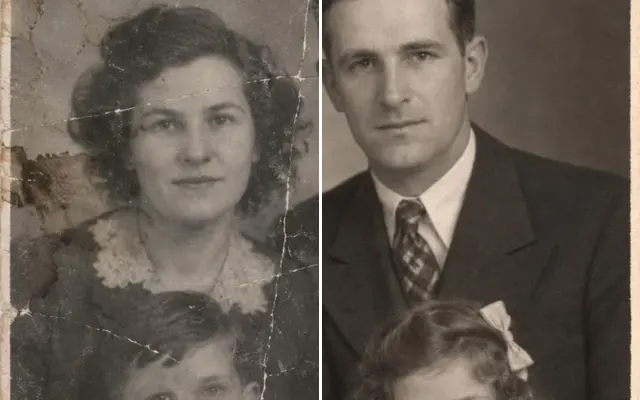
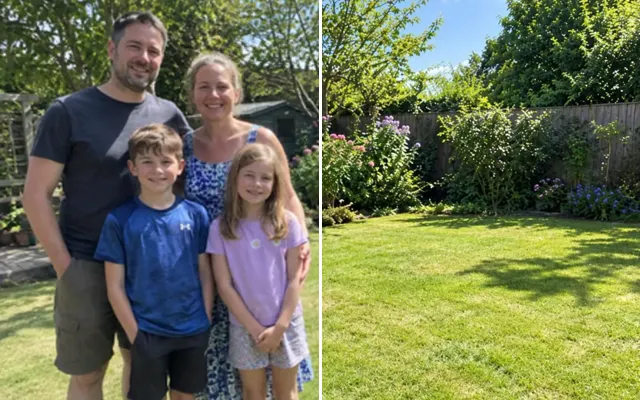
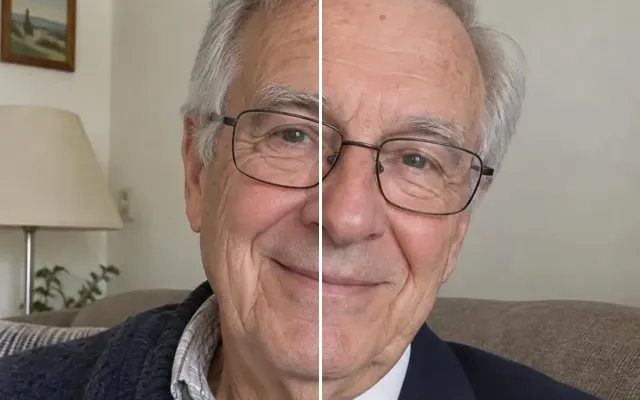
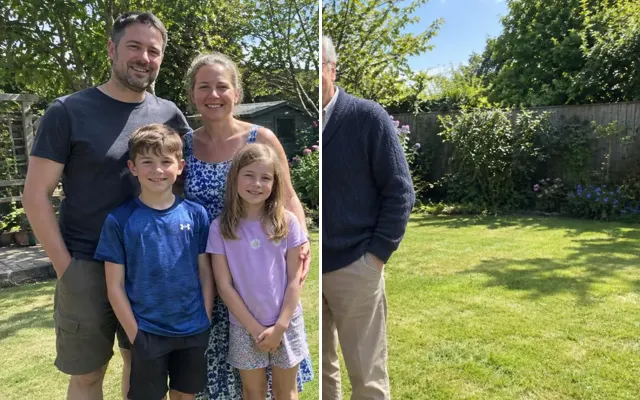
Turn a casual snapshot into a dignified portrait of your loved one: isolate them from a group, clean up the photo and place them on a calm background — ready for the service, the obituary or a framed print.
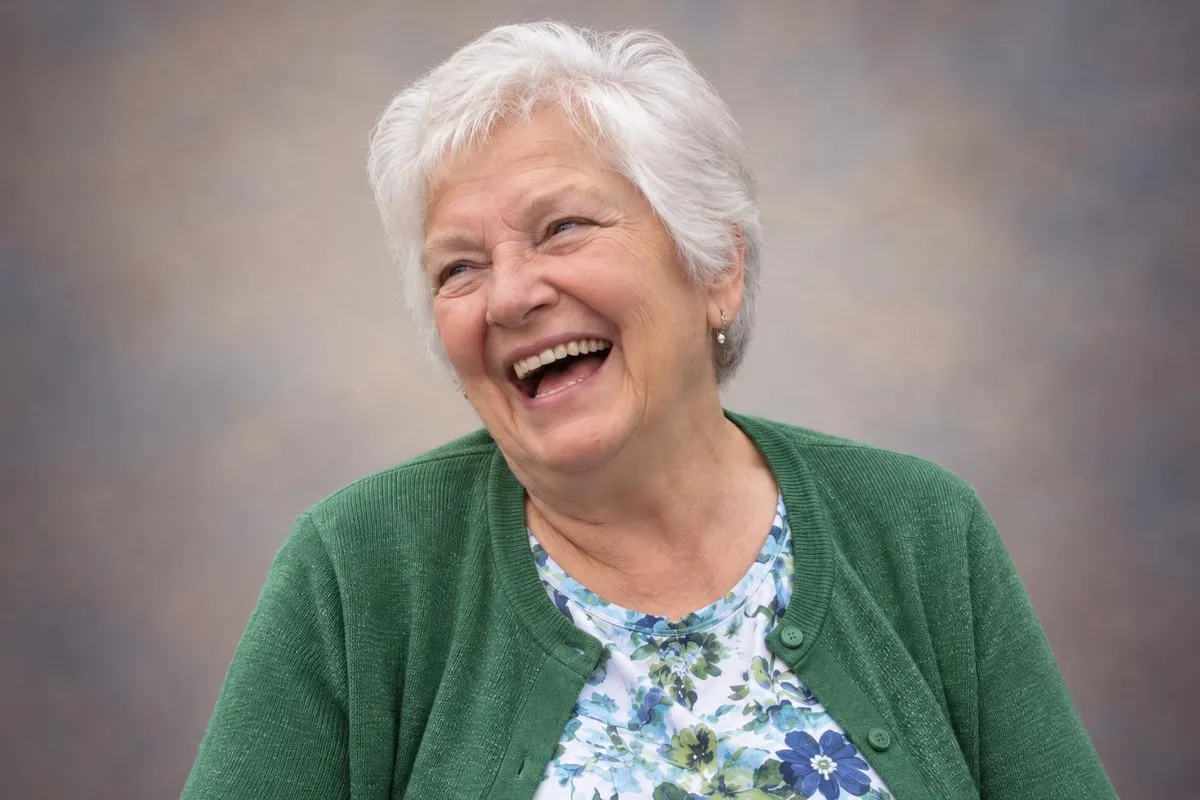
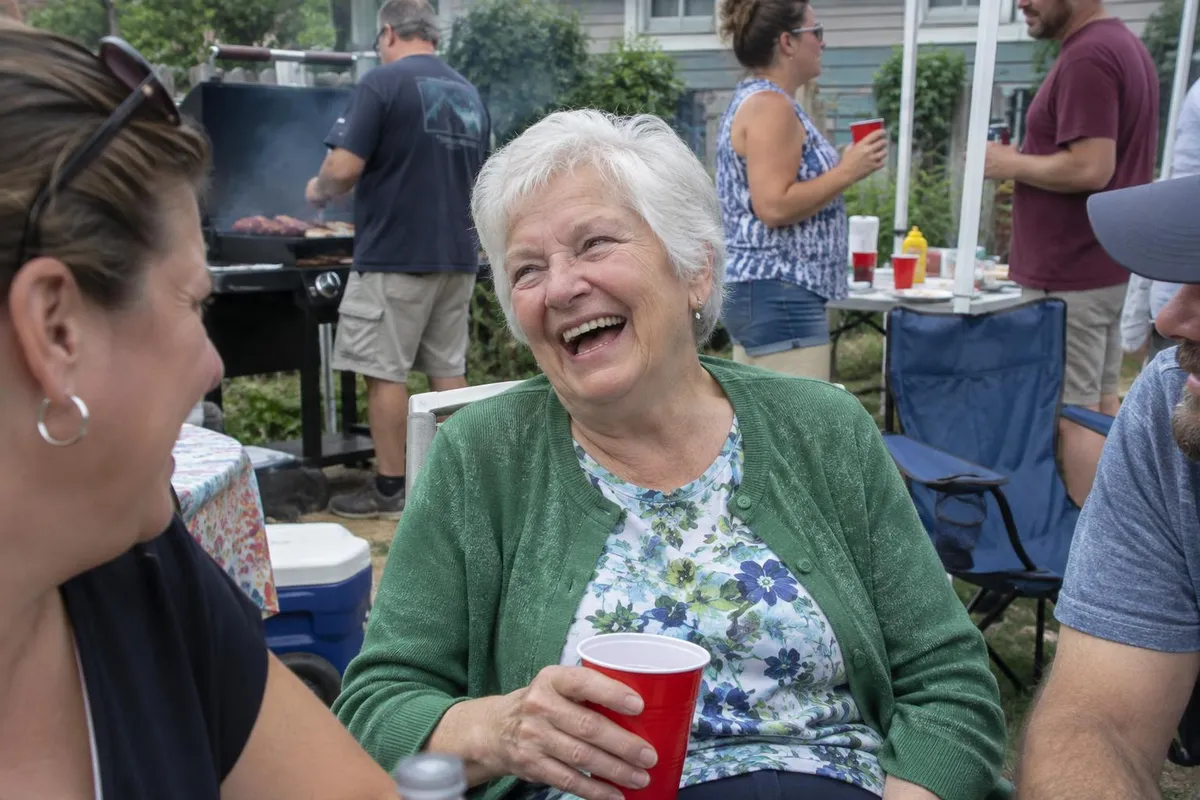 BeforeAfter
Your photo stays in this browser tab while you switch between tools.
How it works
- 1
Upload your photo
Drop in a JPG, PNG or WebP, or paste a screenshot. Nothing to install.
- 2
Choose the setting
Mark your loved one if needed and pick a background and framing.
- 3
Compare and download
Drag the slider to compare with the original, then download. Not perfect? Run it again or undo.
Great for
- Funeral programmes and slideshows
- Obituaries and announcements
- Urns, canvases and framed prints
Tips for the best result
- Use the sharpest photo you have of their face, even if the rest is messy.
- Add a second photo of them to keep their likeness.
- For large prints, run Upscale afterwards.
Questions
How do I make a funeral photo from a group picture?
Upload the photo, paint over your loved one so the others are removed, then choose a background and framing. For large prints, run Upscale afterwards.
Will their face be changed?
No new face is generated: the tool is instructed to keep every facial feature. Review the result carefully, and try again if anything looks off.
How fast is it?
Usually under a minute — useful when the service is soon.