Change the background of a photo
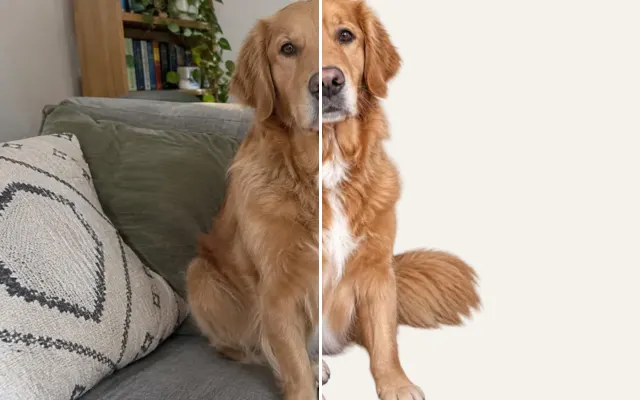
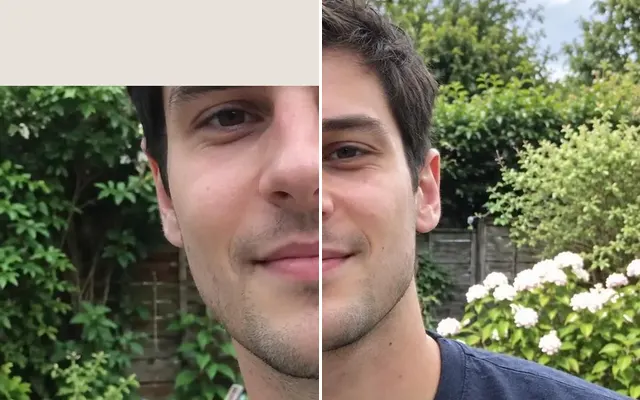
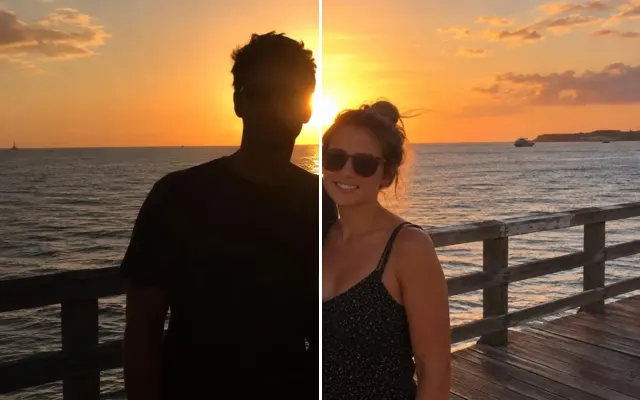
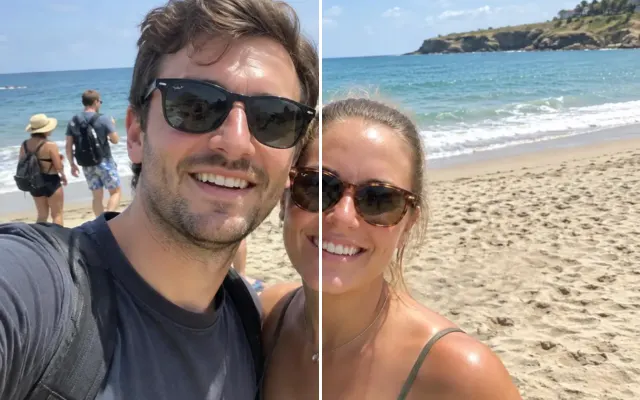
Swap a messy room, a grey sky or a courthouse hallway for something that fits the moment — with lighting matched to your subject. Pick a preset, describe one, or upload your own.

 BeforeAfter
Your photo stays in this browser tab while you switch between tools.
How it works
- 1
Upload your photo
Drop in a JPG, PNG or WebP, or paste a screenshot. Nothing to install.
- 2
Pick a background
Choose a preset, describe one, or upload a background photo.
- 3
Compare and download
Drag the slider to compare with the original, then download. Not perfect? Run it again or undo.
Great for
- Weddings under a grey sky
- Courthouse or office ceremonies
- Product and profile photos
Tips for the best result
- Mention the time of day so lighting matches.
- For a transparent background, use Remove background.
Questions
How do I change the background of a photo?
Upload the photo, pick a background preset, describe one or upload your own background photo, and press Change background.
Will my subject's edges look cut out?
Hair and edges are blended and the subject is relit to match the new scene.