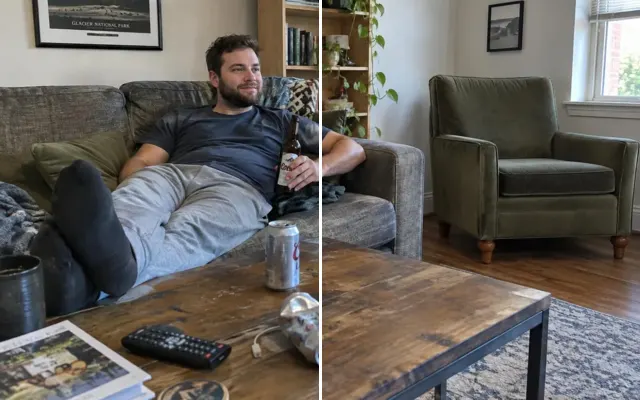
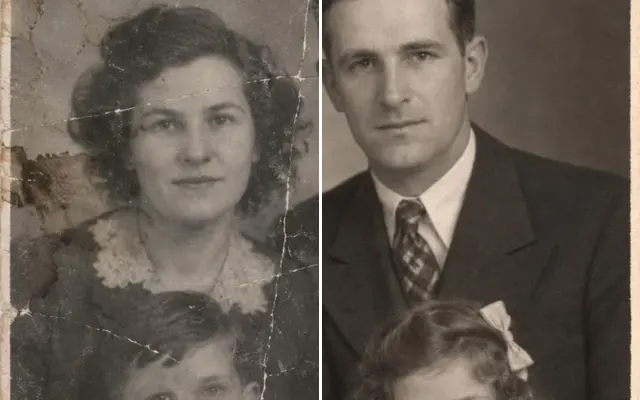
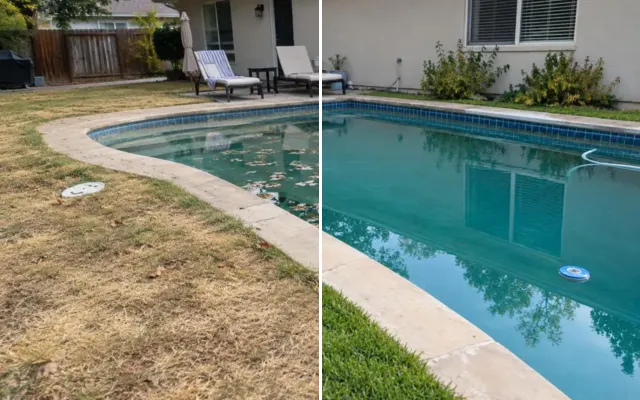
Remove text from photos
Erase words from a shirt, graffiti on a wall, a date stamp, a sign or a sticker. The surface underneath is rebuilt to match. (We don't remove watermarks from other people's photos.)

 BeforeAfter
Your photo stays in this browser tab while you switch between tools.
How it works
- 1
Upload your photo
Drop in a JPG, PNG or WebP, or paste a screenshot. Nothing to install.
- 2
Paint over it
Brush over what should change. A rough stroke is enough — everything you don't paint stays pixel-for-pixel the same.
- 3
Compare and download
Drag the slider to compare with the original, then download. Not perfect? Run it again or undo.
Great for
- Inappropriate words on clothing
- Orange date stamps on scanned prints
- Signs and graffiti in the background
Tips for the best result
- Paint the whole word, not individual letters.
- Describe what the surface is (shirt fabric, brick wall) for tricky textures.
Questions
How do I remove text from a photo?
Upload the photo, paint over the words and press Remove text. Describe the surface (like ‘cotton t-shirt’ or ‘brick wall’) if the texture is tricky.
Can I remove a watermark?
Only from photos you own. Removing watermarks or credits from someone else's work is not allowed.