Blur the background of a photo
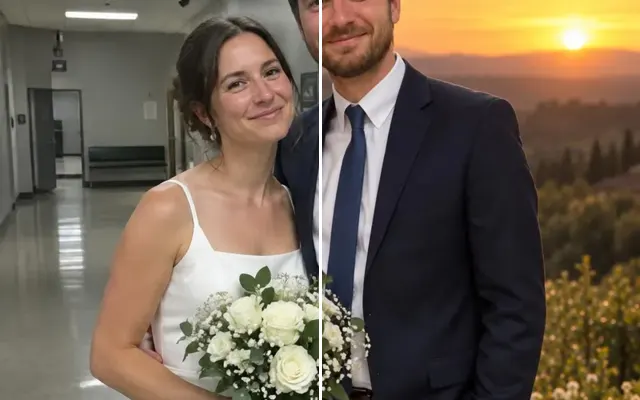
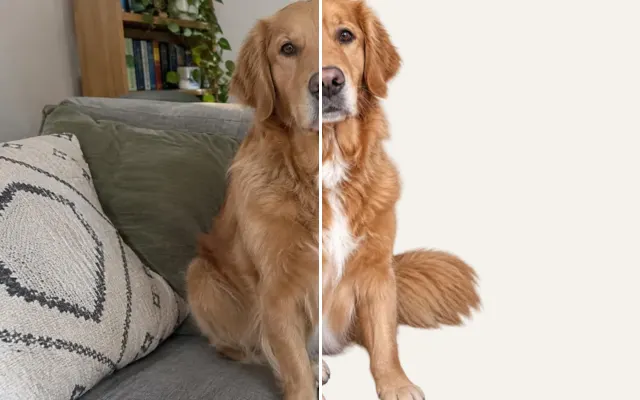
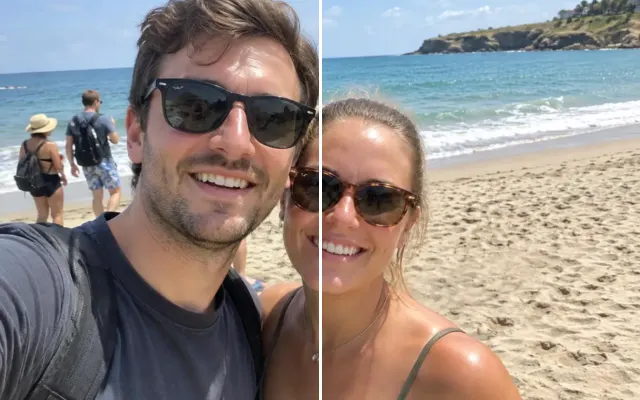
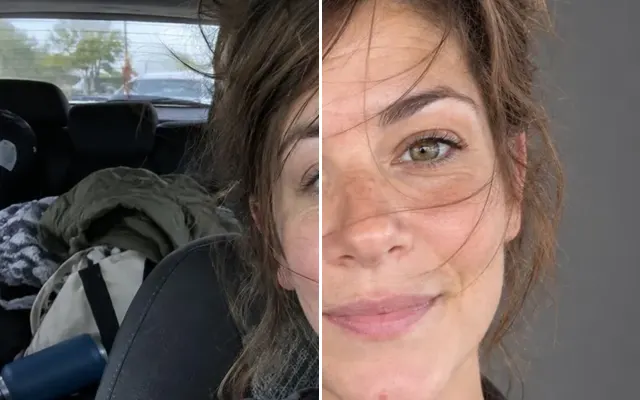
Give a phone snapshot the soft, out-of-focus background of a portrait lens. The scene behind you stays the same, just blurred, so a busy room or street stops pulling attention. It's designed to keep you sharp, down to the hair.
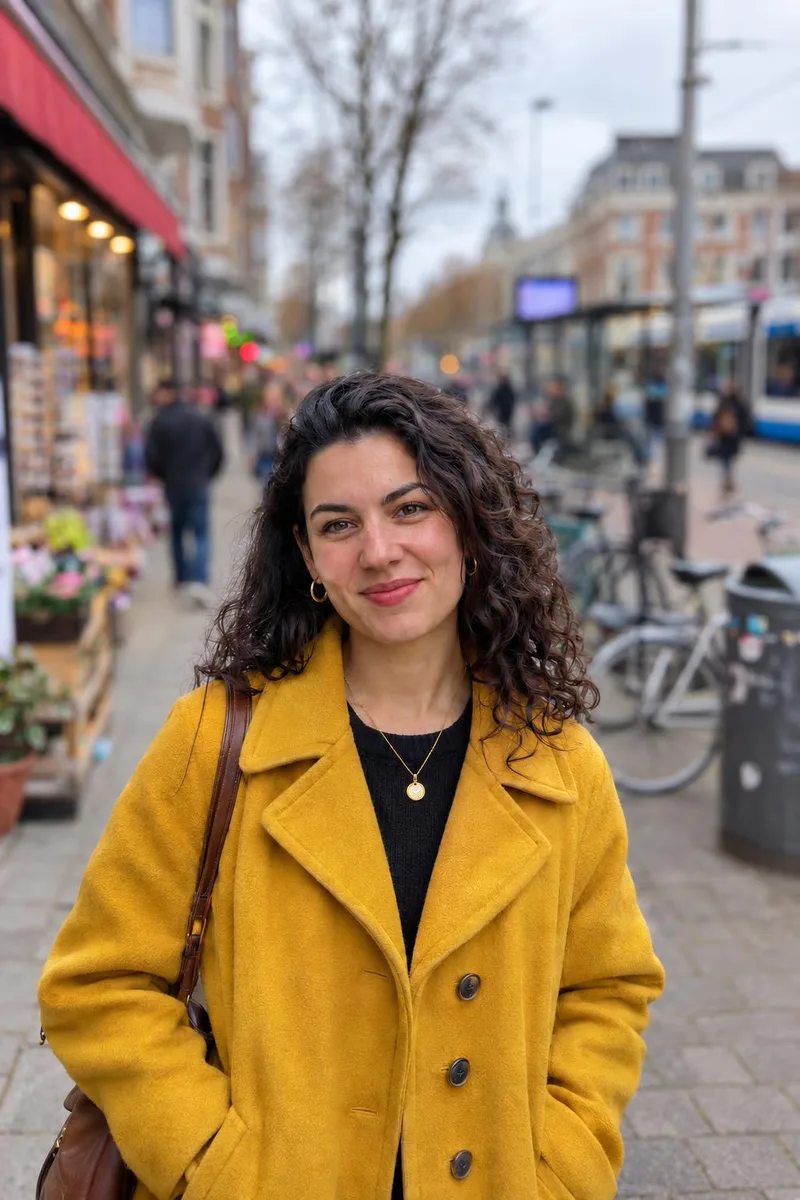
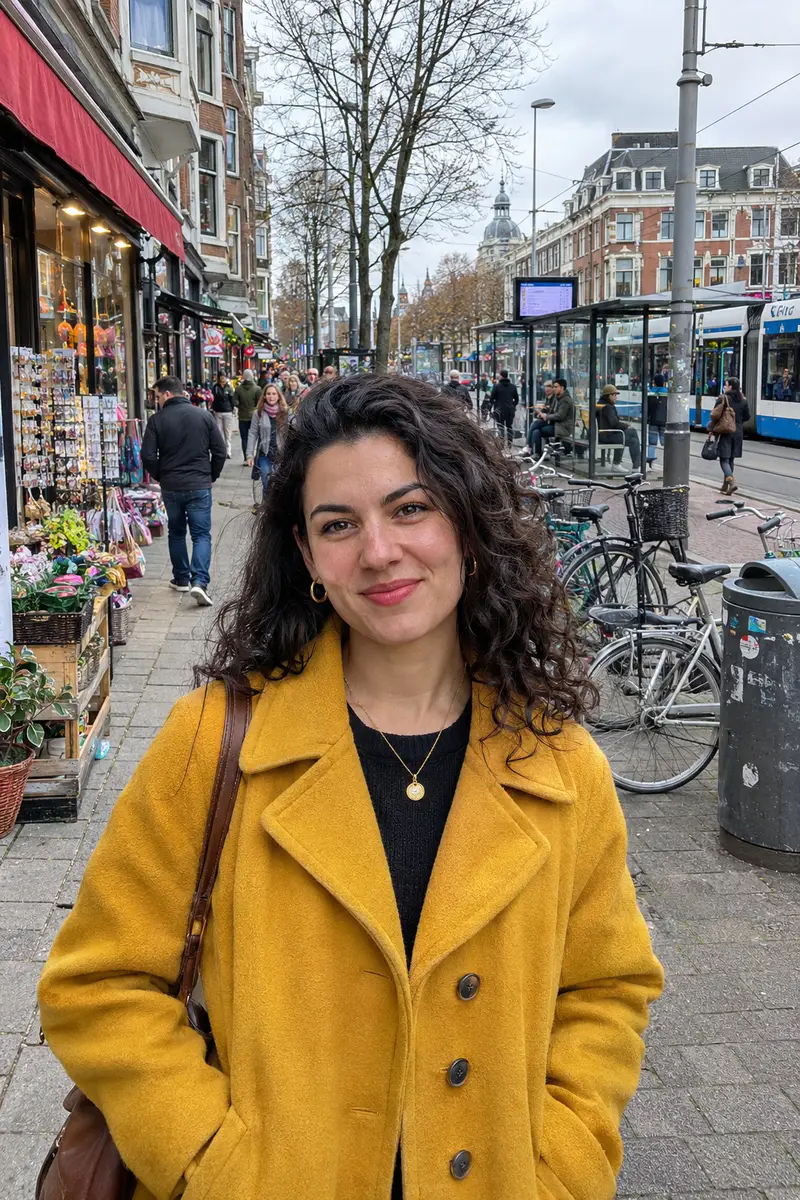
Your photo stays in this browser tab while you switch between tools.
- You upload
- One photo
- How you choose
- Automatic, or describe what you want
- Formats
- JPG, PNG or WebP, up to 12 MB
- Time
- Usually under a minute
- Price
- 3 free previews a day, 1 credit per full-quality download
- Your photo
- Our copy deleted after 24 hours, no public gallery
How it works
- 1
Upload your photo
Drop in a JPG, PNG or WebP, or paste a screenshot. Nothing to install.
- 2
Pick how much blur
Soft keeps the place recognisable; strong melts it into colour. The subject is found automatically.
- 3
Compare and download
Drag the slider to compare with the original, then download. Not perfect? Run it again or undo.
Great for
- Profile and LinkedIn pictures taken at home
- Portraits with a busy street or messy room behind
- Product and food photos for listings
- Photos of pets and children where the background distracts
Tips for the best result
- Say who or what should stay sharp if it isn't obvious, such as a pet or something you're holding.
- ‘Soft’ suits group photos, where people stand at different distances.
- To swap the background for a different one, use Change background.
Questions
How do I blur the background of a photo?
Upload the photo, choose soft, medium or strong and press Blur background. The subject is found automatically, so there is nothing to paint.
Will my hair and edges look cut out?
The tool is designed to keep hair, fingers and edges sharp without a halo, and to make the blur grow with distance the way a real lens does. Compare with the slider before you download.
Does it change the background itself?
It's instructed to keep the same scene, colours and light and only put them out of focus. To replace the background, use Change background.
Does it work on photos without people?
Yes. It works for pets, products, food and objects too: whatever is the main subject is meant to stay sharp.