Remove glare and reflections from photos
Clear the reflection in a window or shop front, the flash bounce on a face or wall, or the light streak across a photo of a framed picture. Paint over the glare or let it be found automatically.
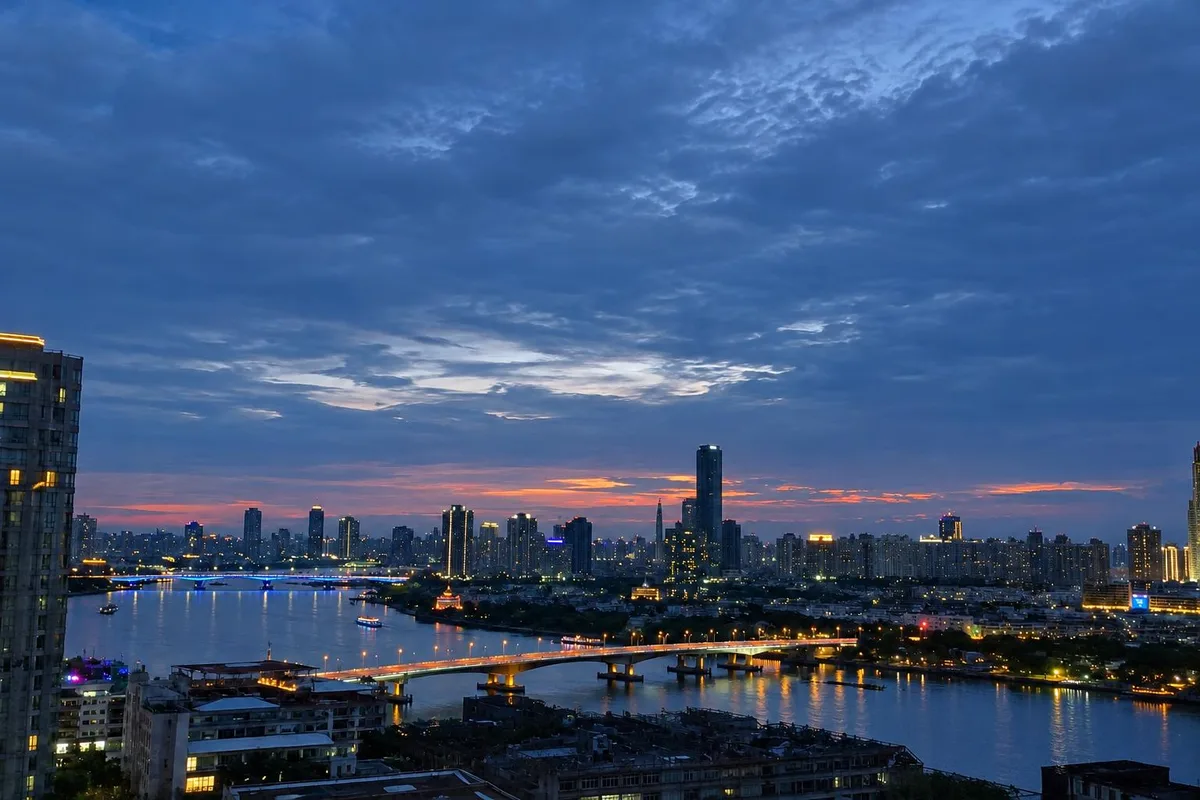
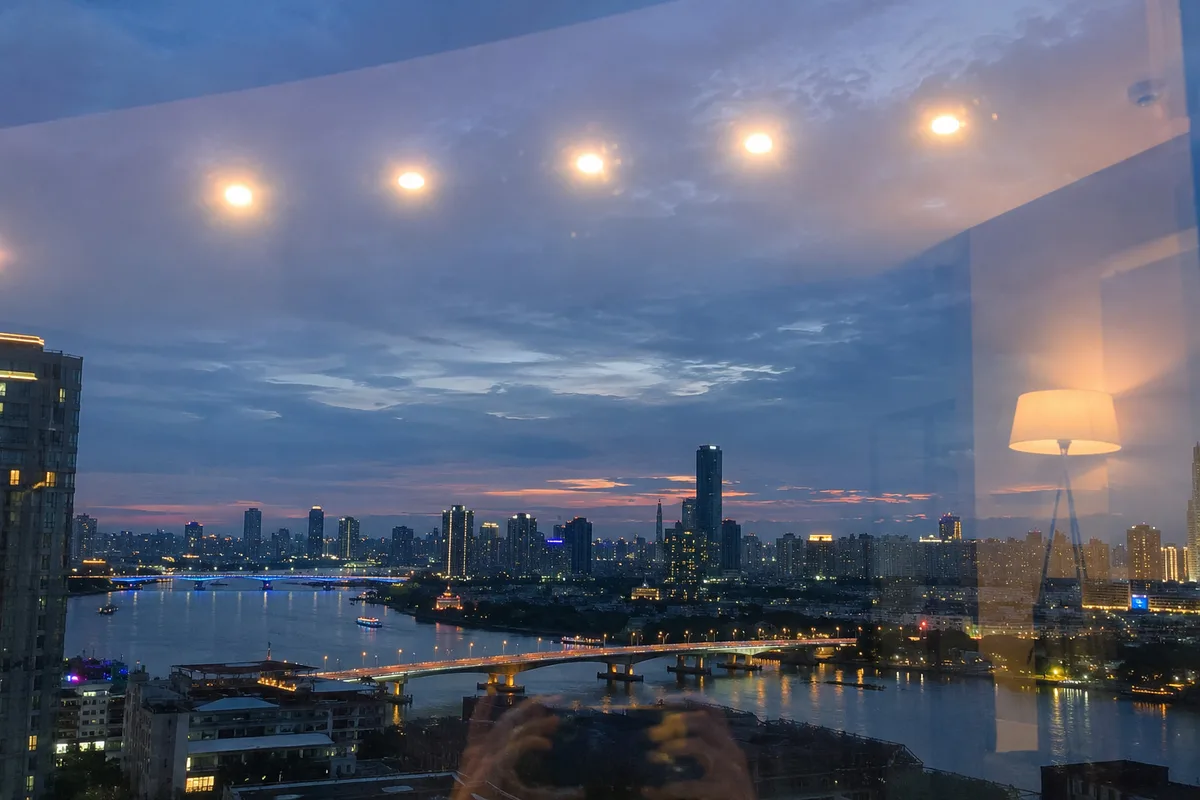
Your photo stays in this browser tab while you switch between tools.
- You upload
- One photo
- How you choose
- Paint over it or describe it (optional)
- Formats
- JPG, PNG or WebP, up to 12 MB
- Time
- Usually under a minute
- Price
- 3 free previews a day, 1 credit per full-quality download
- Your photo
- Our copy deleted after 24 hours, no public gallery
How it works
- 1
Upload your photo
Drop in a JPG, PNG or WebP, or paste a screenshot. Nothing to install.
- 2
Point at the glare
Paint over it, choose the kind of glare, or leave it on Auto. When the result lines up with your photo, everything you don't paint keeps its original pixels.
- 3
Compare and download
Drag the slider to compare with the original, then download. Not perfect? Run it again or undo.
Great for
- Photos taken through a plane, train or car window
- Museum, aquarium and shop-window shots
- Flash photos with shiny foreheads or a bright spot on the wall
- Snapshots of framed or glossy prints you can't scan
Tips for the best result
- Paint the glare when you can: the rest of the photo then keeps its original pixels when the result lines up.
- Where glare is fully white, what was behind it is rebuilt from its surroundings, so small details there may differ.
- For glare on glasses, use Fix glasses glare. For a photo that is too dark or bright overall, use Fix lighting.
Questions
How do I remove glare from a photo?
Upload the photo, paint roughly over the glare or reflection and press Remove glare. You can also leave it unpainted and choose the kind of glare, and it's found for you.
Can it remove a reflection from a window?
Choose ‘Window or glass’. It's designed to take out reflected lights, the room and the photographer so the view through the glass is clear.
What about a photo of a framed picture?
Choose ‘Photo of a photo’ to clear the light streaks and reflections lying over the print. If the print is also scratched or faded, run Restore old photo afterwards.
What is put where the glare was?
Faint glare is cleared so the real detail shows through. Where the glare is blown out to white, the detail is rebuilt from what surrounds it, so compare with the slider before you download.
Often used together
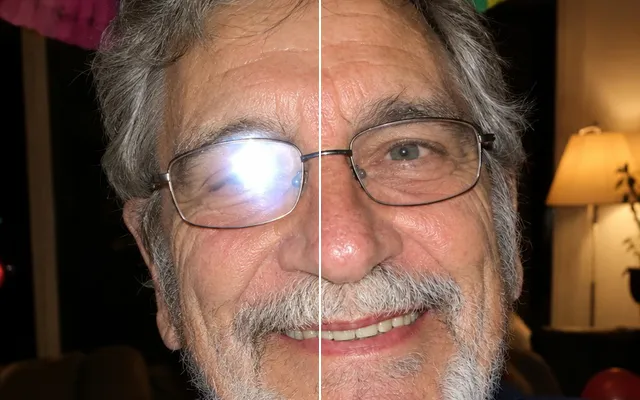 BeforeAfterFix glasses glareRemove lens glare, clear tinted lenses or take the glasses off.
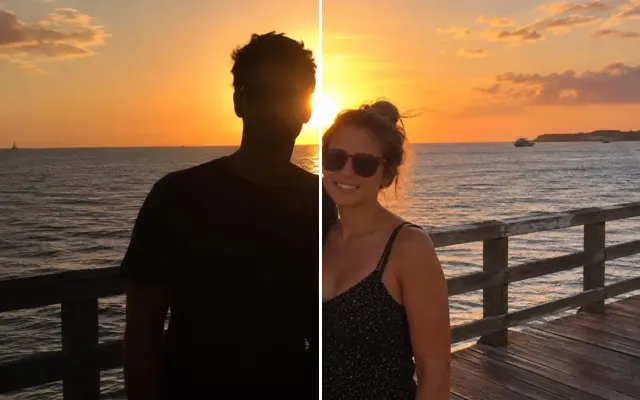 BeforeAfterFix lightingBrighten dark shots, fix backlight, remove glare.
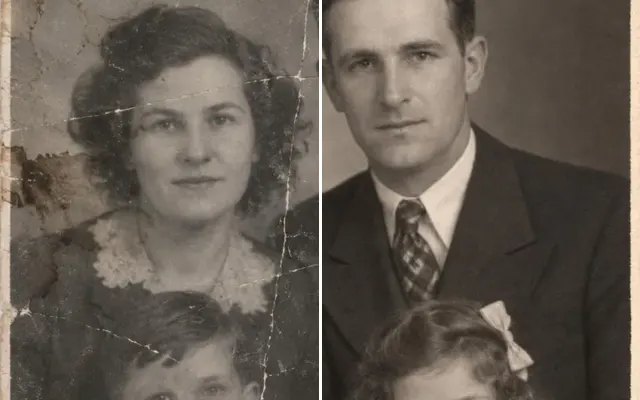 BeforeAfterRestore old photoRepair scratches, creases, tears and stains.
 BeforeAfterUnblur & enhanceSharpen blurry, grainy photos and screenshots.