Remove glare from glasses in photos
Flash on the lenses, a window reflected over the eyes, or lenses that went dark in the sun: clear them so you can see the eyes again. You can also take the glasses off altogether.

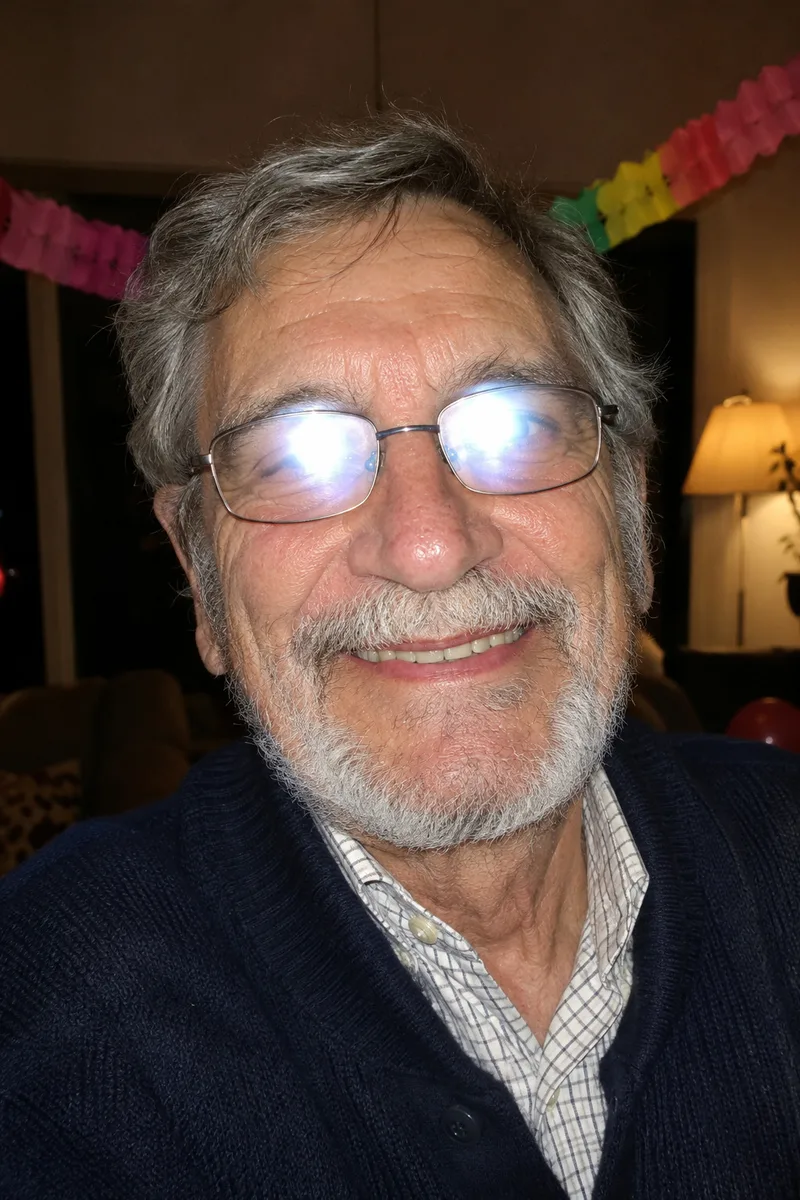
Your photo stays in this browser tab while you switch between tools.
- You upload
- Your photo, optionally one reference photo
- How you choose
- Paint over it or describe it (optional)
- Formats
- JPG, PNG or WebP, up to 12 MB
- Time
- Usually under a minute
- Price
- 3 free previews a day, 1 credit per full-quality download
- Your photo
- Our copy deleted after 24 hours, no public gallery
How it works
- 1
Upload your photo
Drop in a JPG, PNG or WebP, or paste a screenshot. Nothing to install.
- 2
Choose what to fix
Remove the glare, clear lenses that went dark, or take the glasses off. Add a photo where the eyes are visible if you have one.
- 3
Compare and download
Drag the slider to compare with the original, then download. Not perfect? Run it again or undo.
Great for
- Flash photos at weddings and parties
- Outdoor portraits where the lenses turned dark
- School photos and headshots with a window reflected in the lenses
- Memorial photos where the eyes are hidden
Tips for the best result
- Where glare hides the eyes completely, they have to be redrawn. Add a second photo of the same person so their real eyes can be copied.
- Say the eye colour if it isn't visible anywhere in the photo.
- Paint only the glasses that need fixing, so other faces keep their original pixels when the result lines up.
Questions
How do I remove glare from glasses in a photo?
Upload the photo, leave the choice on ‘Remove glare’ and press Fix glasses glare. It's designed to clear the reflection and keep the frames where they are. Paint over one pair of glasses to change only those.
Will the eyes still be their real eyes?
Where the eyes show through the glare, the tool is instructed to keep them. Where the glare hides them, they are redrawn to fit the face, so they may not match. Adding a photo of the same person with their eyes visible gives it the real ones to copy.
Can it fix transition lenses that went dark?
Yes. Choose ‘Clear tinted lenses’ and the lenses are made clear so the eyes show, with the frames kept. The eyes behind dark lenses are redrawn, so add a reference photo if you can.
Can it remove the glasses completely?
Choose ‘Remove glasses’. The frames, nose pads and their shadows are removed and the skin and eyebrows underneath are rebuilt. Compare with the slider before you download.
Often used together
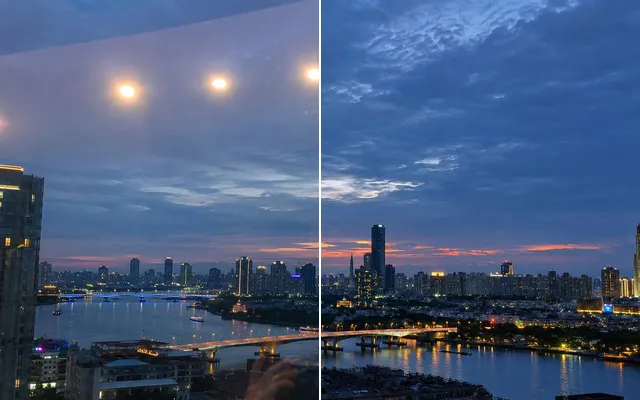 BeforeAfterRemove glareClear window reflections, flash glare and shine.
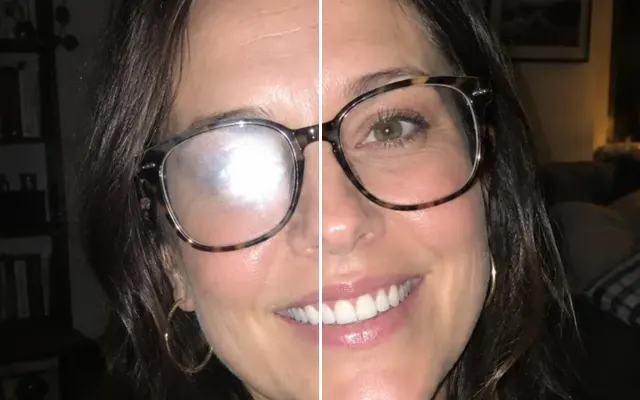 BeforeAfterFace retouchBlemishes, teeth, glasses glare — subtle and natural.
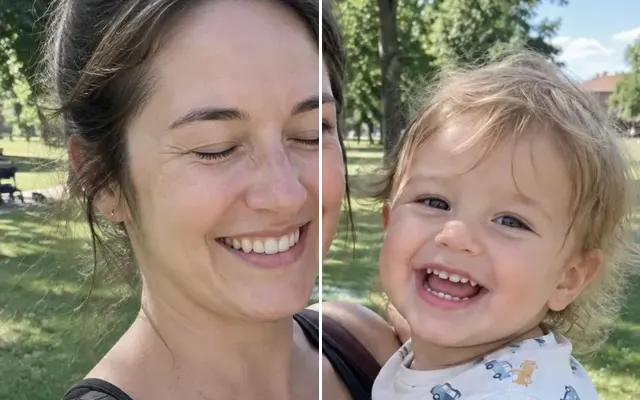 BeforeAfterFix closed eyesOpen blinking eyes so they look natural.
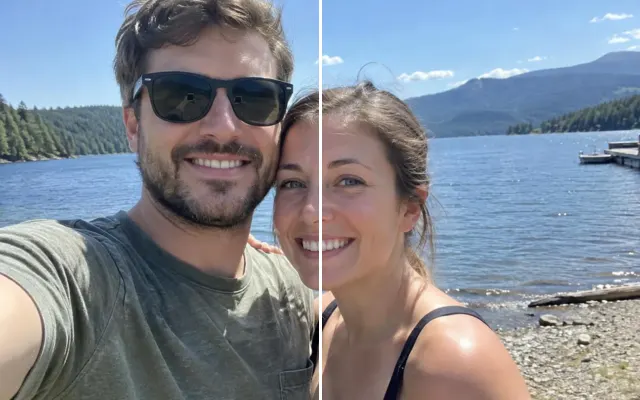 BeforeAfterSwap face or expressionUse a better face, smile or expression from another shot.