Whiten teeth in photos
Lift yellow tones and stains for a brighter smile in portraits, wedding photos and selfies. It's designed to keep the shape of every tooth and to stop short of the glowing, too-white look.


Your photo stays in this browser tab while you switch between tools.
- You upload
- One photo
- How you choose
- Paint over it or describe it (optional)
- Formats
- JPG, PNG or WebP, up to 12 MB
- Time
- Usually under a minute
- Price
- 3 free previews a day, 1 credit per full-quality download
- Your photo
- Our copy deleted after 24 hours, no public gallery
How it works
- 1
Upload your photo
Drop in a JPG, PNG or WebP, or paste a screenshot. Nothing to install.
- 2
Pick a shade
‘Natural’ lifts stains and yellow tones; ‘Brighter’ goes a step whiter. Paint one smile if only that one should change.
- 3
Compare and download
Drag the slider to compare with the original, then download. Not perfect? Run it again or undo.
Great for
- Wedding and engagement portraits
- Profile pictures and headshots
- Close-up selfies under warm indoor light
- Group photos where one smile looks yellow
Tips for the best result
- Start with ‘Natural’: it's usually the one nobody notices.
- In a group photo, paint just the smile you want changed so everyone else keeps their original pixels when the result lines up.
- Mention anything that should stay, like a gap, a gold tooth or braces.
Questions
How do I whiten teeth in a photo?
Upload the photo, pick a shade and press Whiten teeth. Leave the photo unpainted to whiten every smile, or paint over one smile to change only that one.
Will the teeth look fake?
‘Natural’ is designed to lift stains and yellow tones while keeping the slight shading real teeth have. ‘Brighter’ goes a step further but is instructed to stay short of pure white.
Can it straighten teeth or fill a gap?
This tool only changes colour and is designed to leave the shape of each tooth alone. For straightening or repairing a tooth, use Face retouch and describe what you want.
Is it free?
Previews are free: 3 a day without an account, 10 a day with a free account. Downloading the full-quality image without the watermark costs one credit.
Often used together
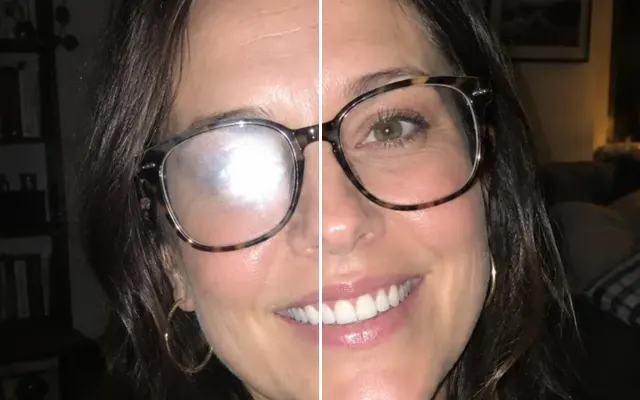 BeforeAfterFace retouchBlemishes, teeth, glasses glare — subtle and natural.
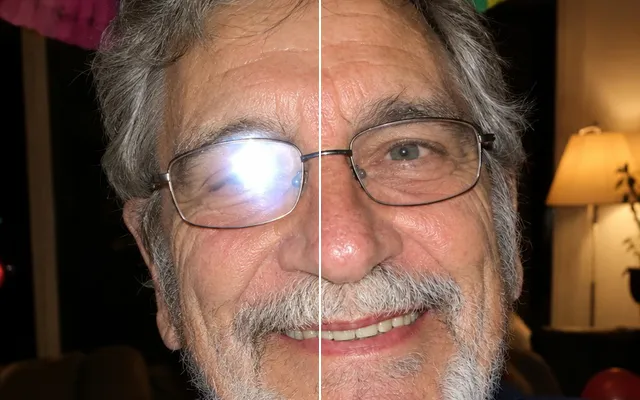 BeforeAfterFix glasses glareRemove lens glare, clear tinted lenses or take the glasses off.
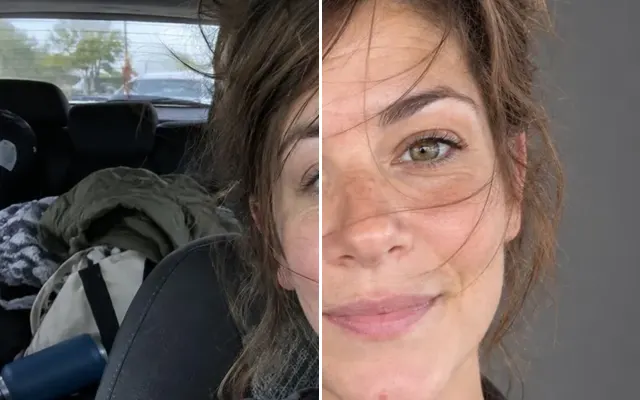 BeforeAfterProfessional headshotTurn a selfie into a LinkedIn-ready headshot.
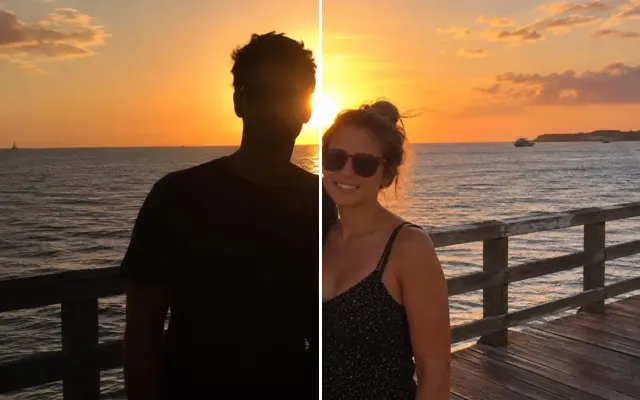 BeforeAfterFix lightingBrighten dark shots, fix backlight, remove glare.